14 GPSMAP 292/298 Owner’s Manual
BASIC OPERATION > NAVIGATING TO A DESTINATION
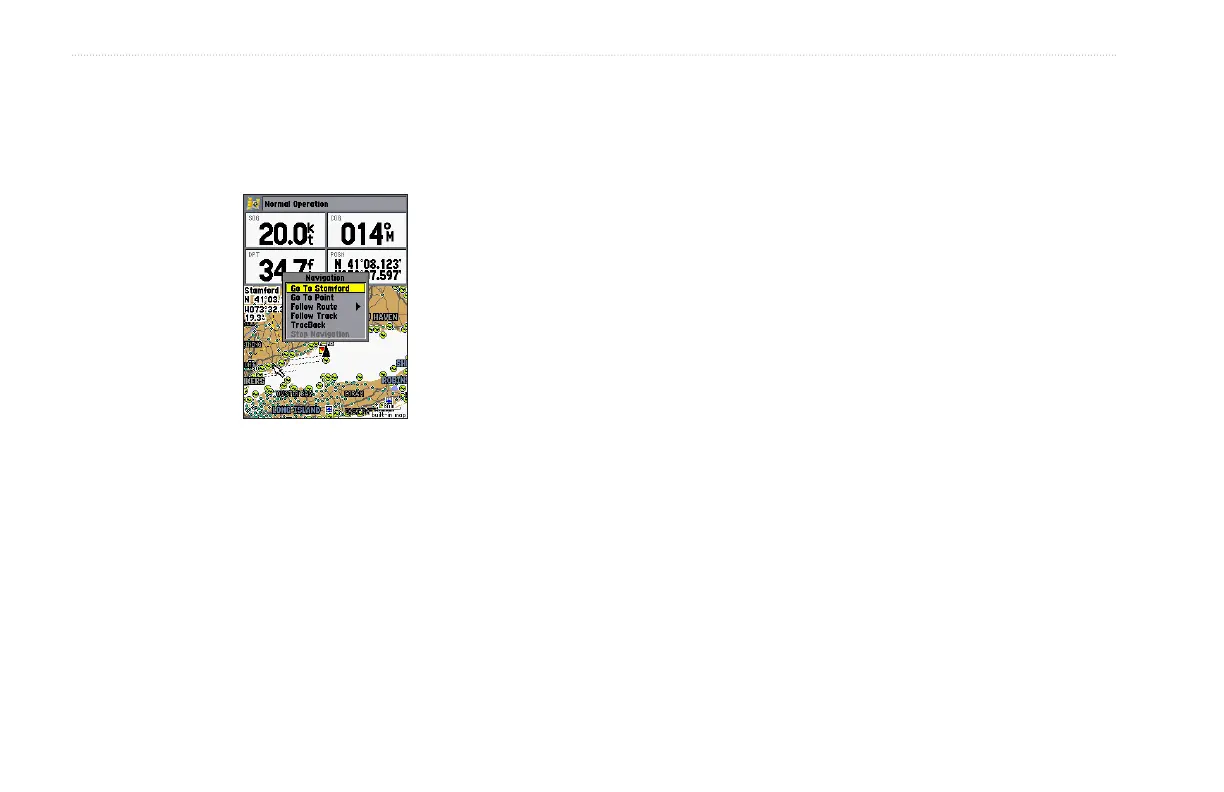
To Go To a new map point (non-map item):
1. Use the ROCKER to move the map pointer to location.
2. Press NAV.
3. With Go To MAP Point highlighted, press ENTER.
TracBack Navigation (Navigating a Track)
The TracBack function retraces your path to the starting point
using the track log automatically stored in the receiver’s memory.
This feature eliminates the need to store waypoints along the way.
TracBack routes are created by reducing your track log into a route
of up to 300 turns and activating an inverted route along those
points. When started, a TracBack route leads you back to the oldest
stored track log point, so it is a good idea to clear the existing track
log before you start your current trip.













 To Next Page