20 GPSMAP 292/298 Owner’s Manual
BASIC OPERATION > FIND
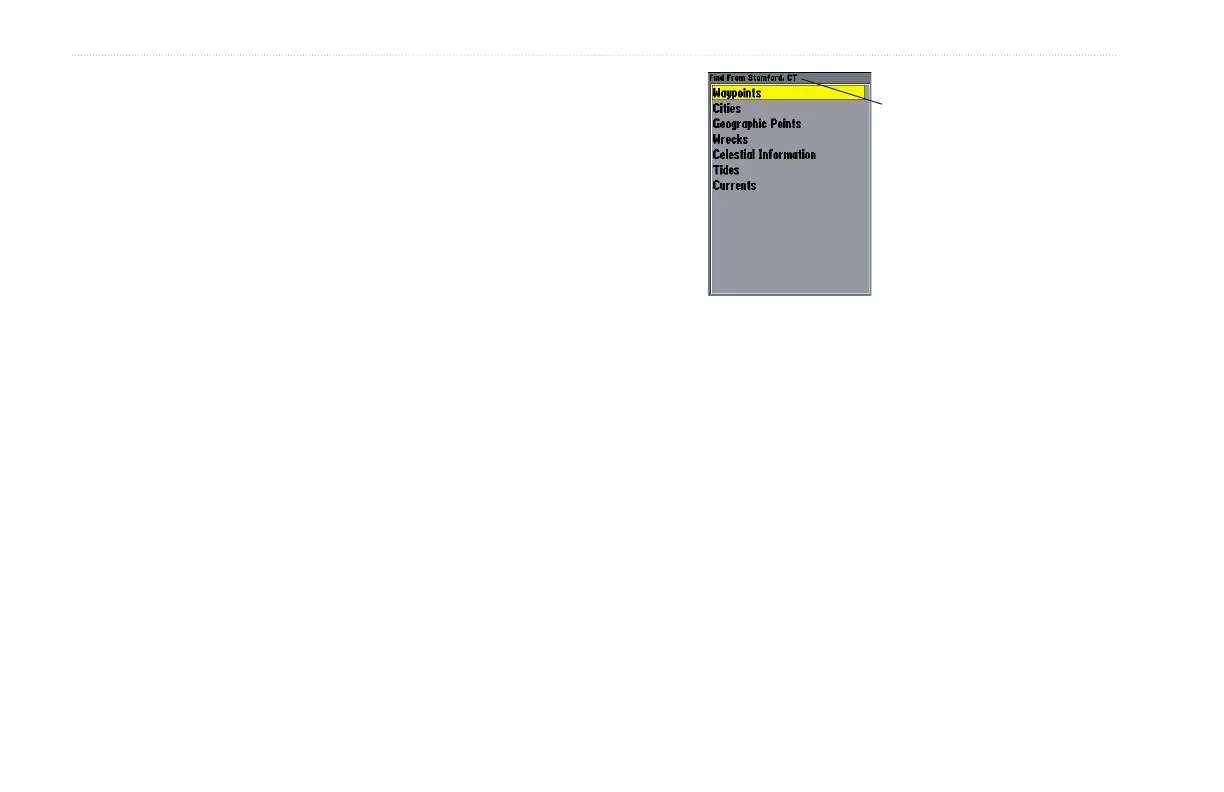
To Find an item from your current location:
1. From any page, press FIND.
2. Using the ROCKER, highlight a category from the list, and
press ENTER.
3. For Waypoints and Cities, search using By Name or
Nearest. Use the ROCKER to highlight a tab. For By
Name, use the top field to spell out the name, or scroll down
through the list. (See page 8 for steps on entering a name.)
To Find an item from other locations:
1. From the Map Page, use the ROCKER to pan select a
location, and press FIND.
2. Using the ROCKER, highlight a category from the list, and
press ENTER.
You can also Find
items from the Map
Pointer.
The Find option also supports a “find from” feature that centers
your search around an item you have just found. For example,
you search for “Restricted Areas” and you find a point named
“Anchoring Prohibited.” If you press FIND again, “From
Anchoring Prohibited” appears as the new search from point.













 To Next Page