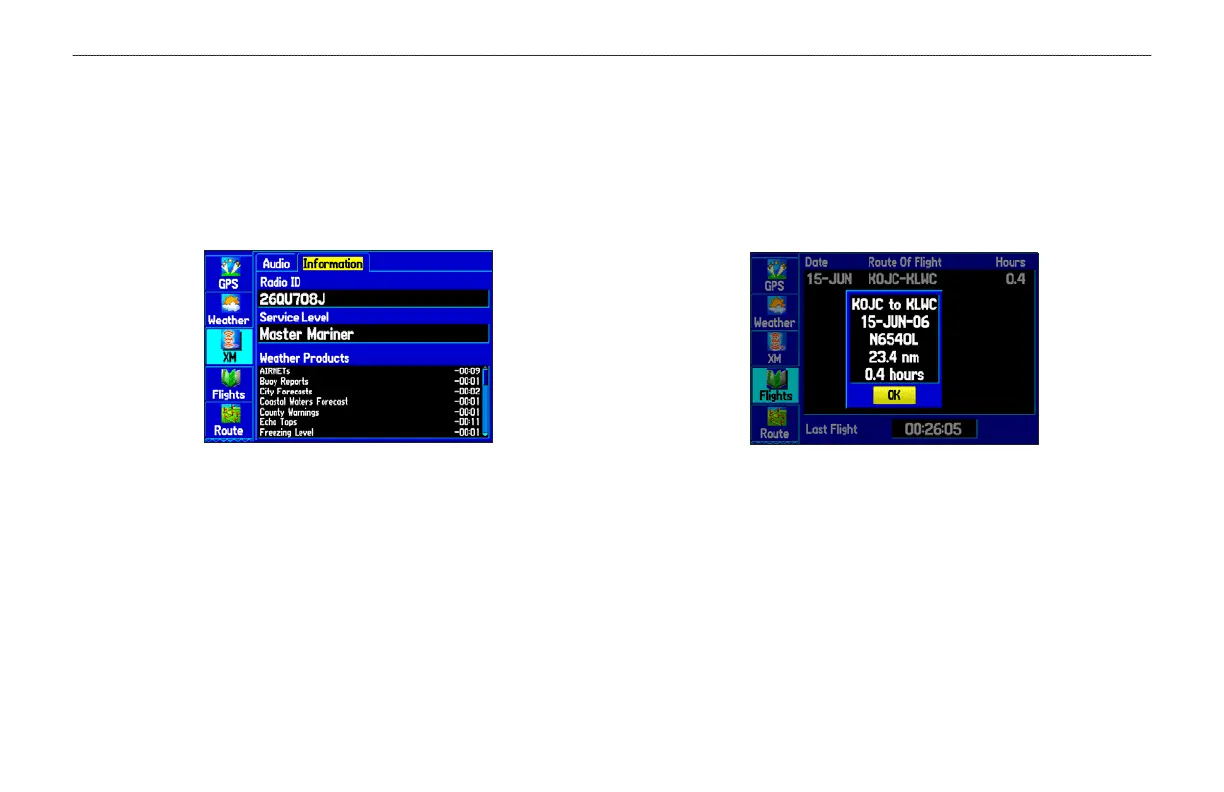
Information Sub Tab
Use the Information sub tab to view the radio identification number,
XM WX Satellite Weather subscription information, and a list of
weather features available to you based on your subscription plan.
The Information sub tab also shows the age of each weather report
in minutes.
XM Tab
Information sub tab
Flights Tab
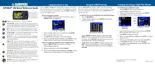
The Flights tab shows a list of any recorded flights, including
date, route of flight, and flight time. The GPSMAP 496 saves up
to 50 recorded flights while in Aviation Mode. Entries on this list
are automatically created for each flight. More information on the
Flights tab is located on page 46.
Flight Tab
Showing the flight details page
Route Tab
Use the Route tab create and store up to 50 reversible routes, with up
to 300 points each. See the “Creating Routes” section beginning on
page 61 for more information about routes.
GPSMAP 496 Owner’s Manual 103
MAIN MENU > FLIGHTS TABS













 To Next Page