AUTOMOTIVE
Creating a Waypoint by Entering Coordinates
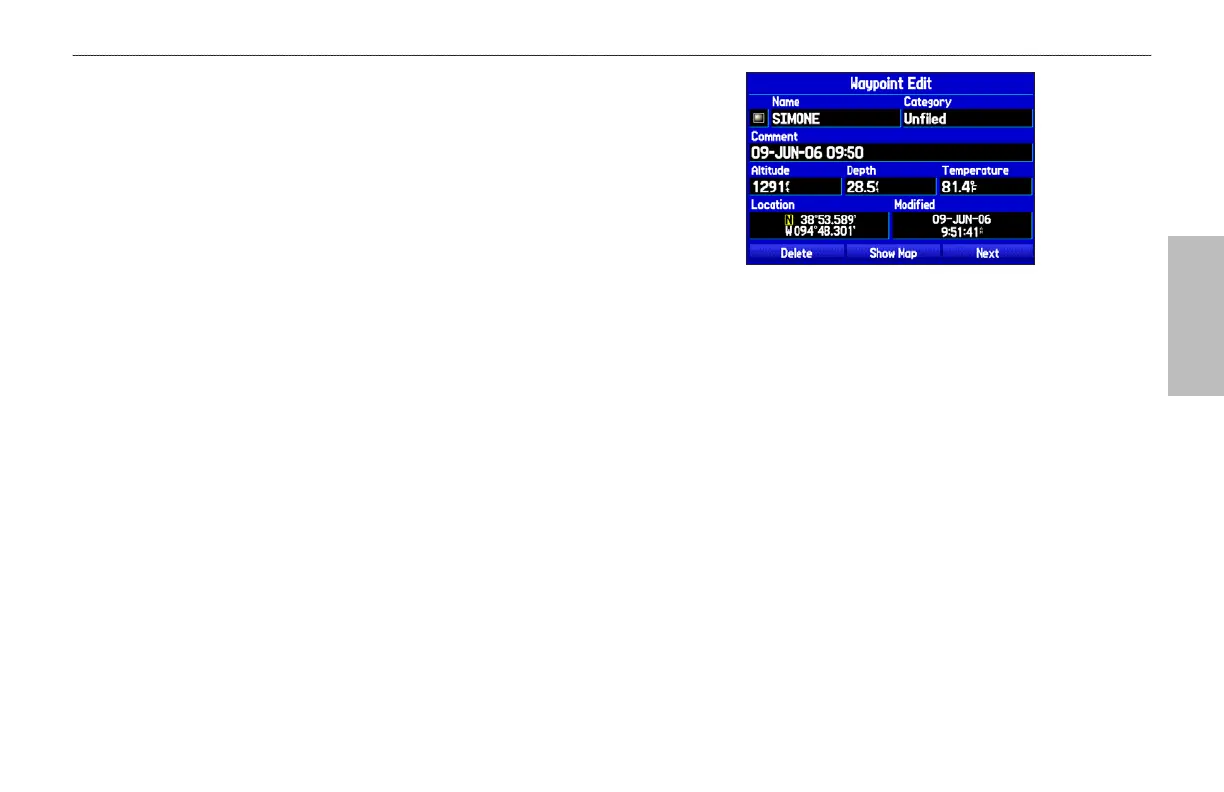
You can manually enter location coordinates to create a waypoint.
This method is useful for creating a waypoint at a specific latitude/
longitude location from a chart. You can manually change the
location coordinates in the New Waypoint Page to create a new
waypoint or use the Create Waypoint selection in the User Points
tab options menu.
To create a
new waypoint by entering location
coordinates:
1. Press ENTER/MARK to create a waypoint (or use your
favorite method discussed in previous sections). The new
waypoint is created with the next available waypoint number
and the receiver’s last known location as the default location.
To change the location of a waypoint, highlight the
character you want to change in the Location field.
Press up or down on the ROCKER to change the
character. Repeat until the new location is entered.
2. On the New Waypoint Page, use the ROCKER to highlight
the Location field, and press ENTER. Use the ROCKER
to enter the location coordinates, and press ENTER when
finished.
3. To change any of the other information, highlight the
appropriate field, and press ENTER. Use the ROCKER to
enter the new information.
4. After entering your changes, highlight OK, and press
ENTER.
GPSMAP 496 Owner's Manual 65
BASIC OPERATION IN AUTOMOTIVE MODE > CREATING WAYPOINTS













 To Next Page