AUTOMOTIVE
Finding an Item
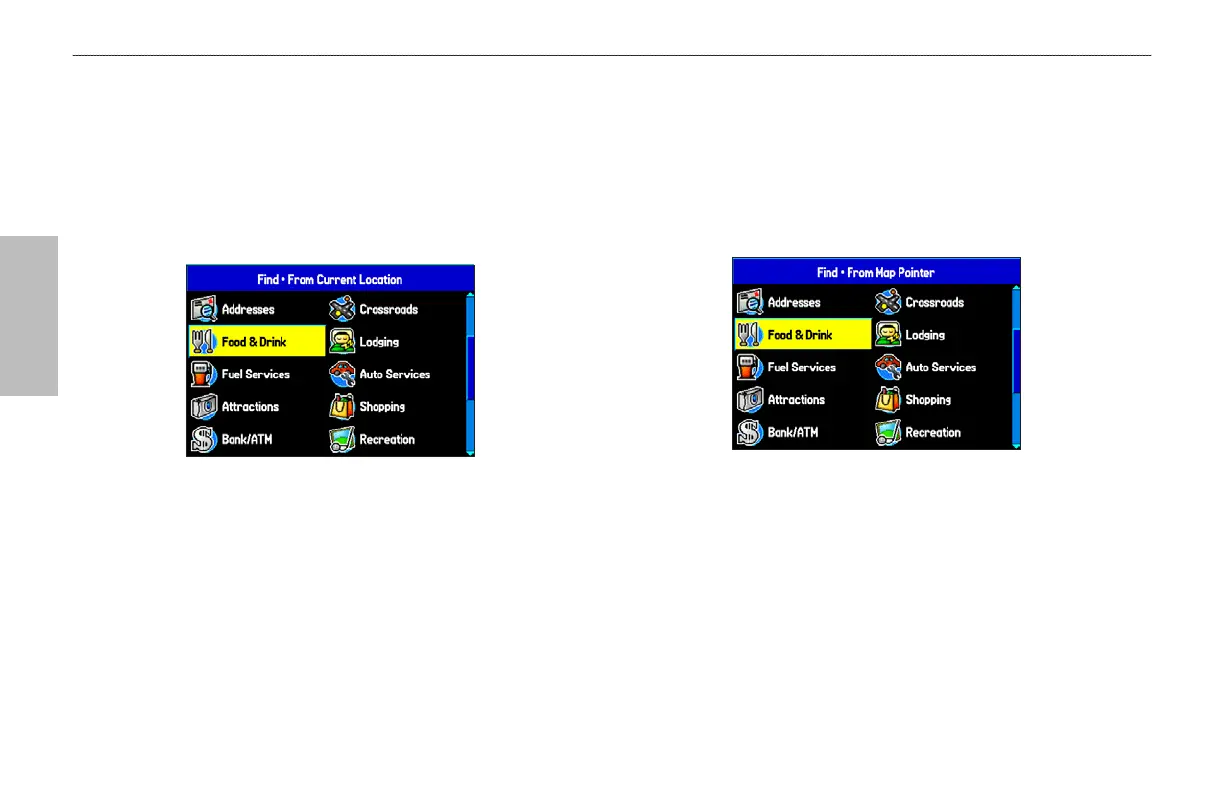
The Find Menu allows you to easily search the stored waypoints and
points of interest. Press NRST/FIND to access the Find Menu.
The Find Menu is comprised of several default categories such as
Waypoints, Cities, Exits, Addresses, Crossroads, Food & Drink,
Attractions Aviation Points, Transportation, and Weather Data.
Find Menu
Follow the directions on the previous page to search for an item near
your current location and then route to it.
Using the Find From Feature
The Find option also supports a “find from” feature that allows you
to center your search around an item that you have just found.
To find an item from another
location on the map:
1. Open the Map Page. Use the ROCKER to pan the arrow
(pointer) to the location you want, and press NRST/FIND.
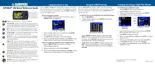
Find From Map Pointer
2. The Find Menu opens showing “From Map Pointer.” The
list of items is sorted to show items nearest the selected
location. Using the ROCKER, highlight the category you want
from the list, and press ENTER.
3. Using the ROCKER, highlight an item from the list, and press
ENTER. The item’s information page automatically opens,
allowing you to save the item as a waypoint, show the item
on the map, or automatically create a route to (Go To) the
item.
58 GPSMAP 496 Owner's Manual
BASIC OPERATION IN AUTOMOTIVE MODE > FINDING AN ITEM













 To Next Page