GPSMAP 400/500 Series Owner’s Manual 19
Using Charts
Using Fishing Charts
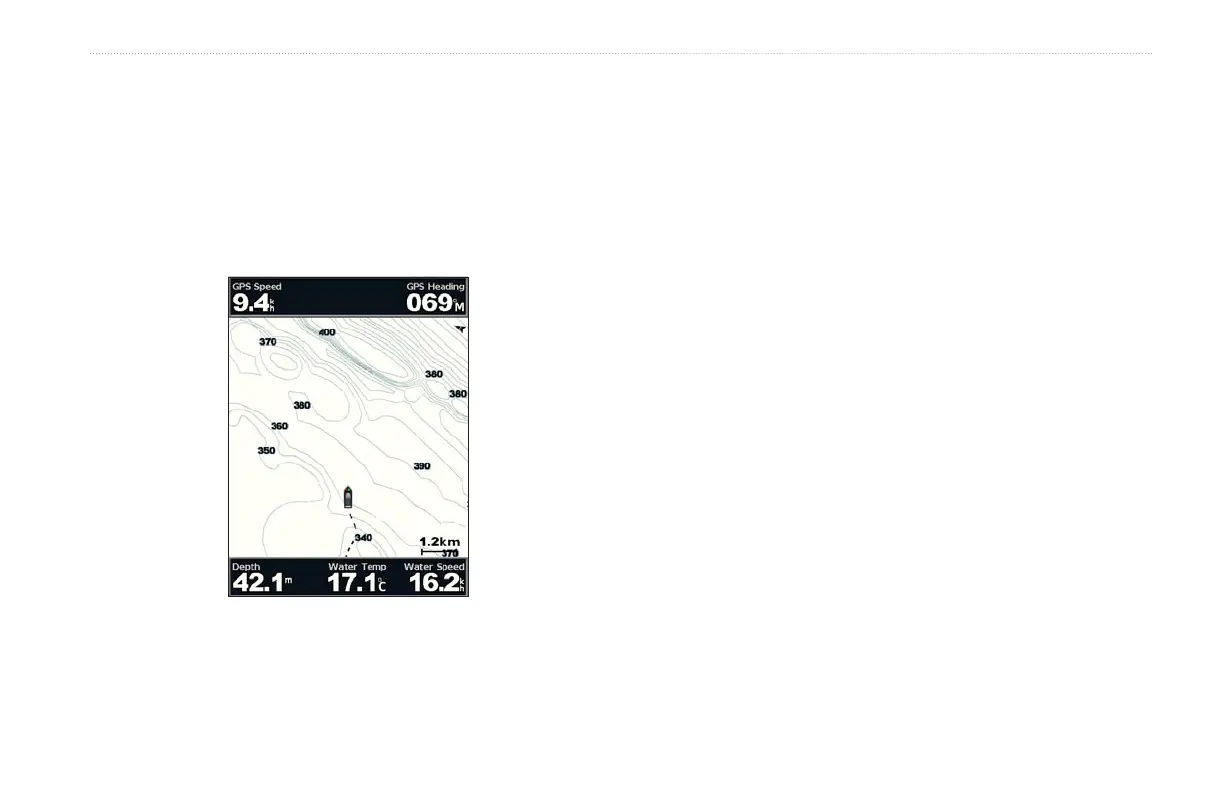
Use the Fishing chart for a detailed, unobstructed view of the bottom
contours on the chart.
The Fishing chart uses detailed bathymetric data, and is best for
offshore deep-sea shing.
From the Home screen, select Charts > Fishing Chart.
To access additional settings from the Fishing chart, press
MENU.
Navaids—displays navigational aids, such as beacons, lights, and
obstructions.
For settings and options related to Full Screen Map, Waypoints &
Tracks, Other Vessels, and Data Bars, see “Navigation Chart Menu”
on page 9.
To customize the appearance of the Fishing Chart screen, select
MENU > Chart Setup (page 12).
Enabling High Resolution Satellite Imagery
You can overlay high-resolution satellite images on the land, sea, or
both portions of the Navigation chart when using a preprogrammed
BlueChart g2 Vision SD card.
To enable satellite imagery:
1. While viewing the Navigation chart, press MENU.
2. Select Chart Setup > Photos.
3. Select one of the following:
Off—standard chart information is shown on the map.
Land Only—standard chart information is shown on water
with photos overlaying the land.
On—photos overlay both the water and the land at a specied
opacity. Use the right and left arrows on the Rocker to adjust
the opacity. The higher you set the percentage, the more the
satellite photos will cover both land and water.
•
•
•















 To Next Page