GPSMAP 400/500 Series Owner’s Manual 43
Viewing Information
Viewing Current Information
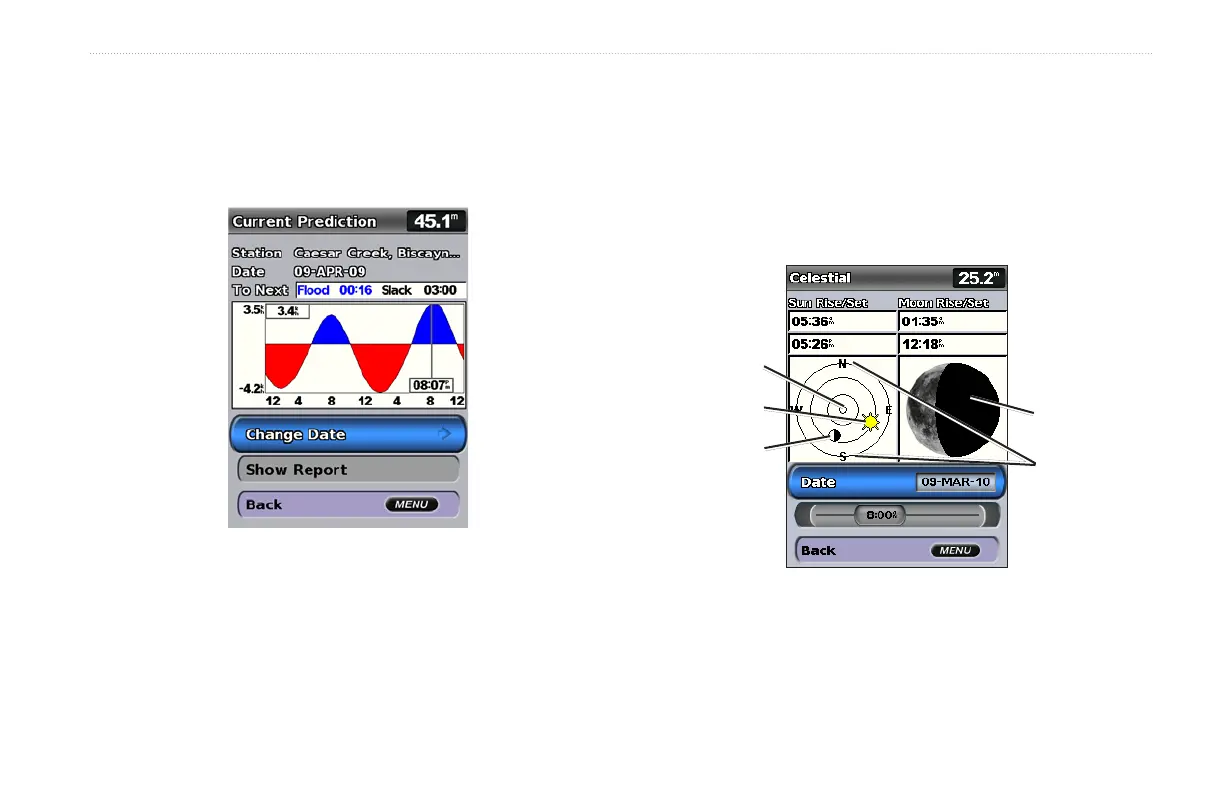
Use the Current Prediction screen to view information for currents.
1. Select Information > Tides & Currents > Currents.
2. Select a current station. Current-station information is shown.
Select Change Date > Manual to view current-station
information for a different date.
Select Show Report to view the Current Prediction Report for
the selected station.
NOTE: You can select both tide-station and current-station
information directly from the Navigation chart.
Viewing Celestial Information
The Celestial screen shows information about sunrise, sunset,
moonrise, moonset, the moon phase, and the approximate sky view
location of the sun and moon. By default, the chartplotter shows
celestial information for the present date and time.
From the Home screen, select Information > Celestial.
Celestial Information
Overhead
Sun position
Moon position
Horizon
Moon phase















 To Next Page