36 GPSMAP 400/500 Series Owner’s Manual
Viewing Information
Viewing Information
Use the Information screen to access information about dashboard
gauges, tides, currents, user data, and other vessels.
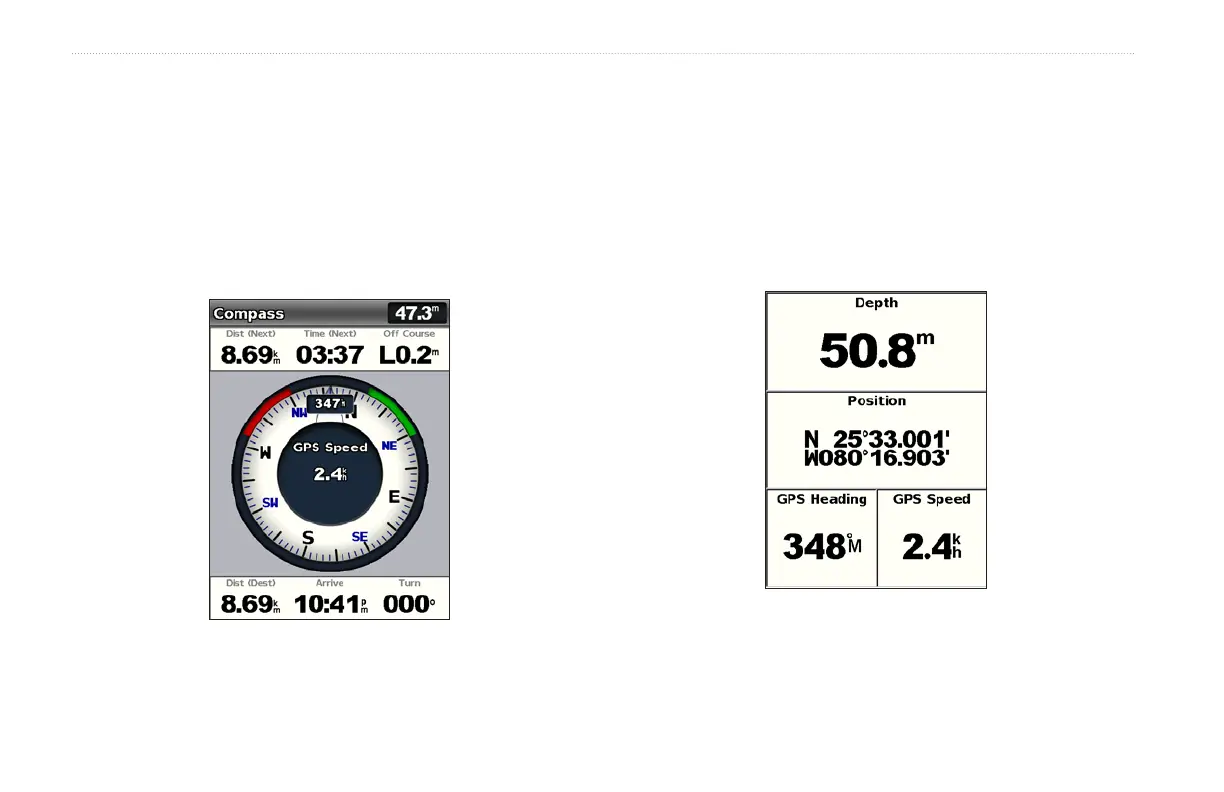
Viewing a Compass
From the Home screen, select Information > Dashboard >
Compass.
Viewing Numbers
You can view and customize numerical data including depth, GPS
information, and navigation information. You can customize the
number of elds shown and the type of information shown in each
eld. You can view up to six elds of numerical information.
To view the Numbers screen from the Home screen, select
Information > Dashboard > Numbers.















 To Next Page