GPSMAP 400/500 Series Owner’s Manual 75
Using XM WX Weather and Audio
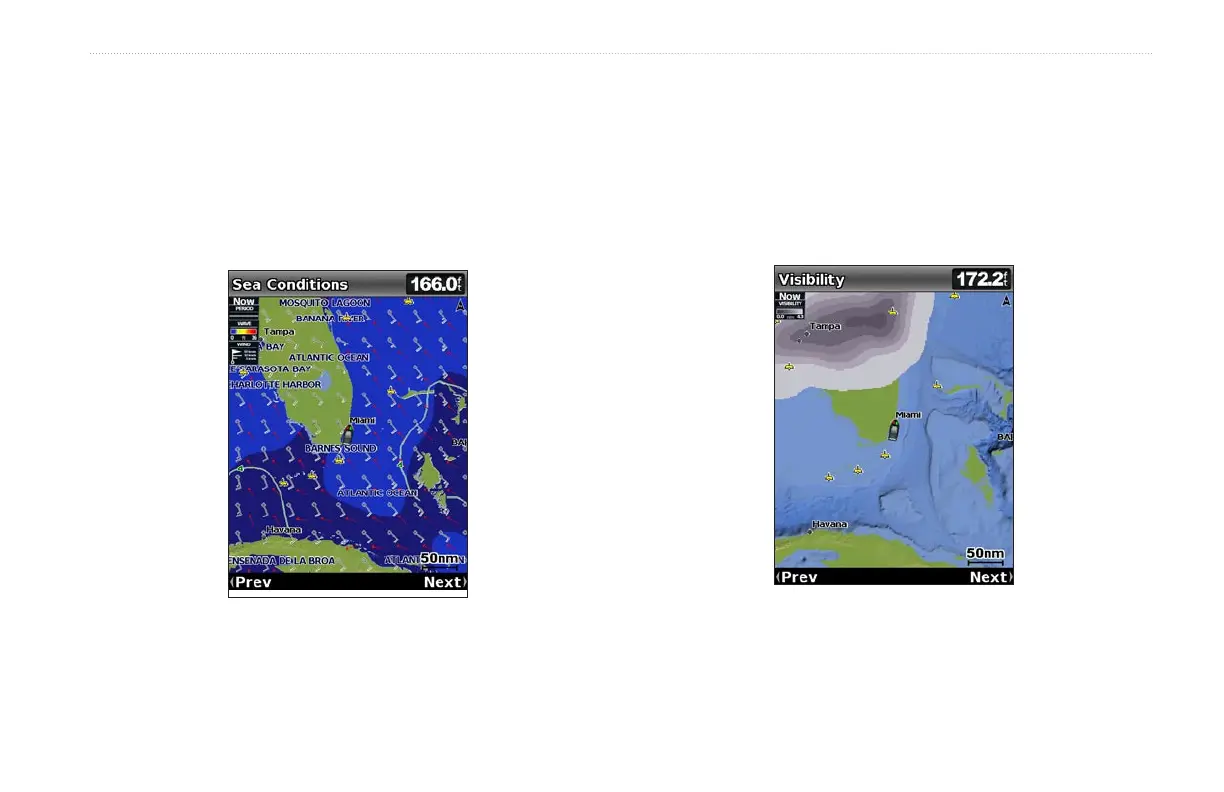
Understanding Wave Period
The Wave Period feature provides the time (in seconds) between
successive waves.
Understanding Wave Direction
The Wave Direction feature shows the direction in which a wave is
moving, as indicated by the direction of the red arrow.
Viewing Visibility Information
Visibility is the forecast maximum horizontal distance that can be
seen at the surface, as indicated by the legend on the left of the
screen. Contour lines on the Visibility feature show the forecasted
change in surface visibility.
From the Home screen, select Information > Weather > Visibility.
To view the forecasted visibility for another time period:
1. Press right on the Rocker to select Next. The forecasted visibility
for the next 12 hours is shown.
2. Select Next again to view forecasts for the next 24 and 36 hours.















 To Next Page