76 GPSMAP 400/500 Series Owner’s Manual
Using XM WX Weather and Audio
Using XM Audio
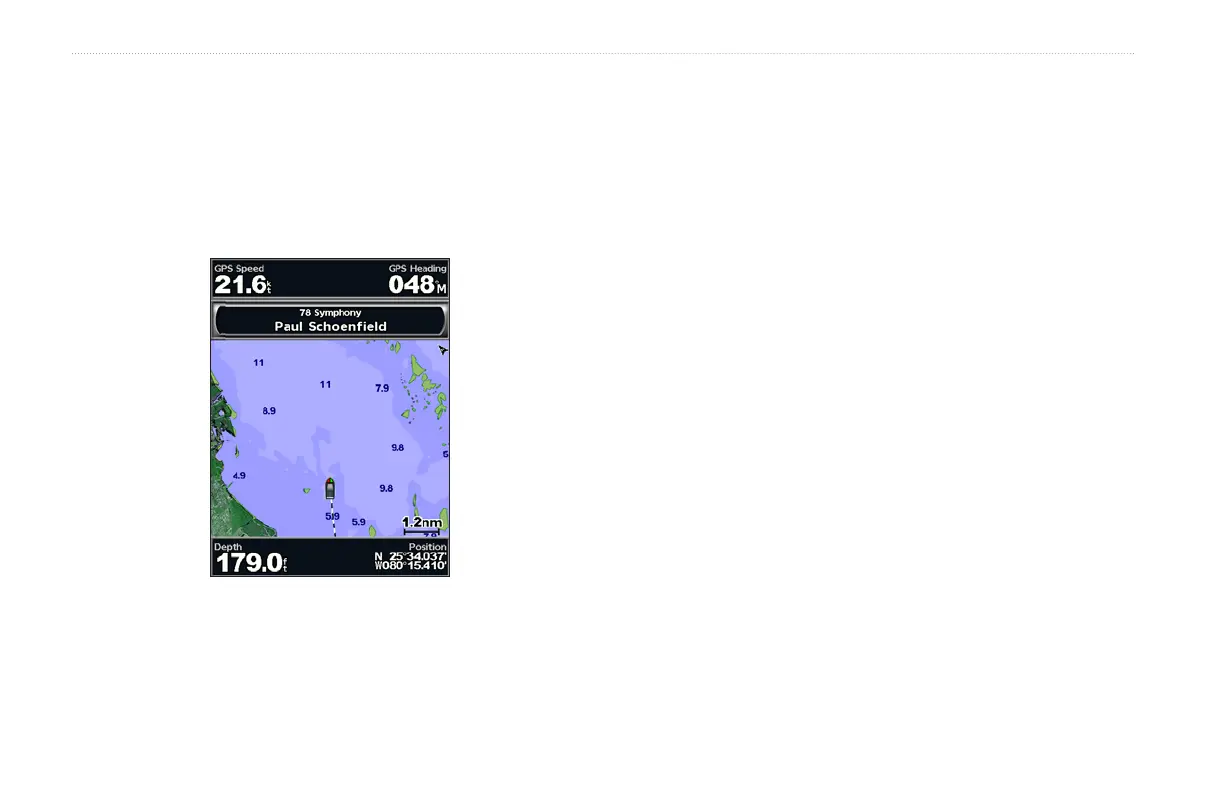
When a Garmin XM receiver is connected to the audio input of your
boat, you can listen to XM audio channels.
To display the XM audio interface while navigating:
From the any chart except a split screen chart, press MENU >
Data Bars > XM Audio > On.
To select an XM audio channel:
1. From the Home screen, select Congure > XM Audio.
2. Use the Rocker to highlight a channel and preview the song
playing on the channel.
3. Press SELECT to change to the highlighted channel.
To use the XM audio guide:
From the Home screen, select Congure > XM Audio > MENU.
Save Preset—saves the current XM channel in the Presets list. Press
Delete Preset to remove the current channel from the list. Presets is
displayed as a category in the category list.
Category—selects the category of channels that are displayed in the
XM audio guide.
Channel Entry—allows you to select an XM channel.
Level—adjusts the volume.















 To Next Page