2 GPSMAP 400/500 Series Owner’s Manual
Getting Started
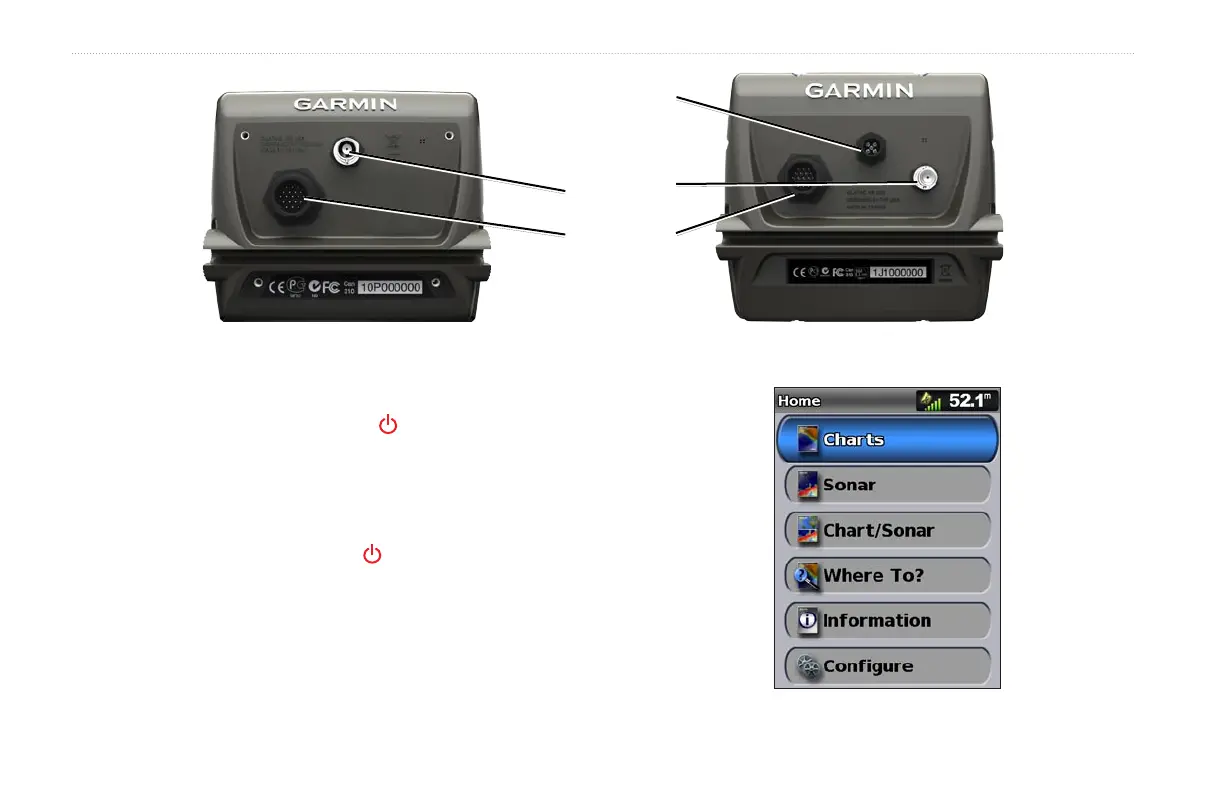
GPSMAP 441/541
Power/Data
External
GPS antenna
NMEA 2000
®
GPSMAP 431
Turning the Unit On or Off
To turn on the unit, press and release the Power key. When the
Warning screen appears, select I Agree to view the Home screen.
NOTE
: The rst time you turn on your unit, you must congure the
initial settings. See “Initializing Unit Settings” (page 3).
To turn off the unit, press and hold the Power key.
Home Screen















 To Next Page