EasyManua.ls Logo

Garmin GPSMAP 64s - Profile Management and Area Measurement; Profile Selection and Area Calculation

Garmin GPSMAP 64s
50 pages
Print Icon
To Next Page IconTo Next Page
To Previous Page IconTo Previous Page
Loading...
·
-
I
ll
Select Start.Then
walk
around
the
perime
t
er
of
t
he
area you
wan
t
to
ca
l
cu
l
ate.
When
finished,
select
Finis
h
to
save
the
track
I
.IIIIi
·
rea
o.osac
Mt
mory
u
s.e
<
r
0
%
Length
81.28m
lrta
P
rt
c
0.00
·
·-
-
...
-
Selecting a
Profile
Whe
n
you
change
activities,you
can
change
the setup of the
device
by
changing
the
profile.
1
Select
Profile Change.
2
Select
a profile.
Area
Measurement
Area
Measurement
functions
can
be
quickly
accessed
from
the
GPSMAP
64s SEA
main
menu
with the following
thre
e
types
of
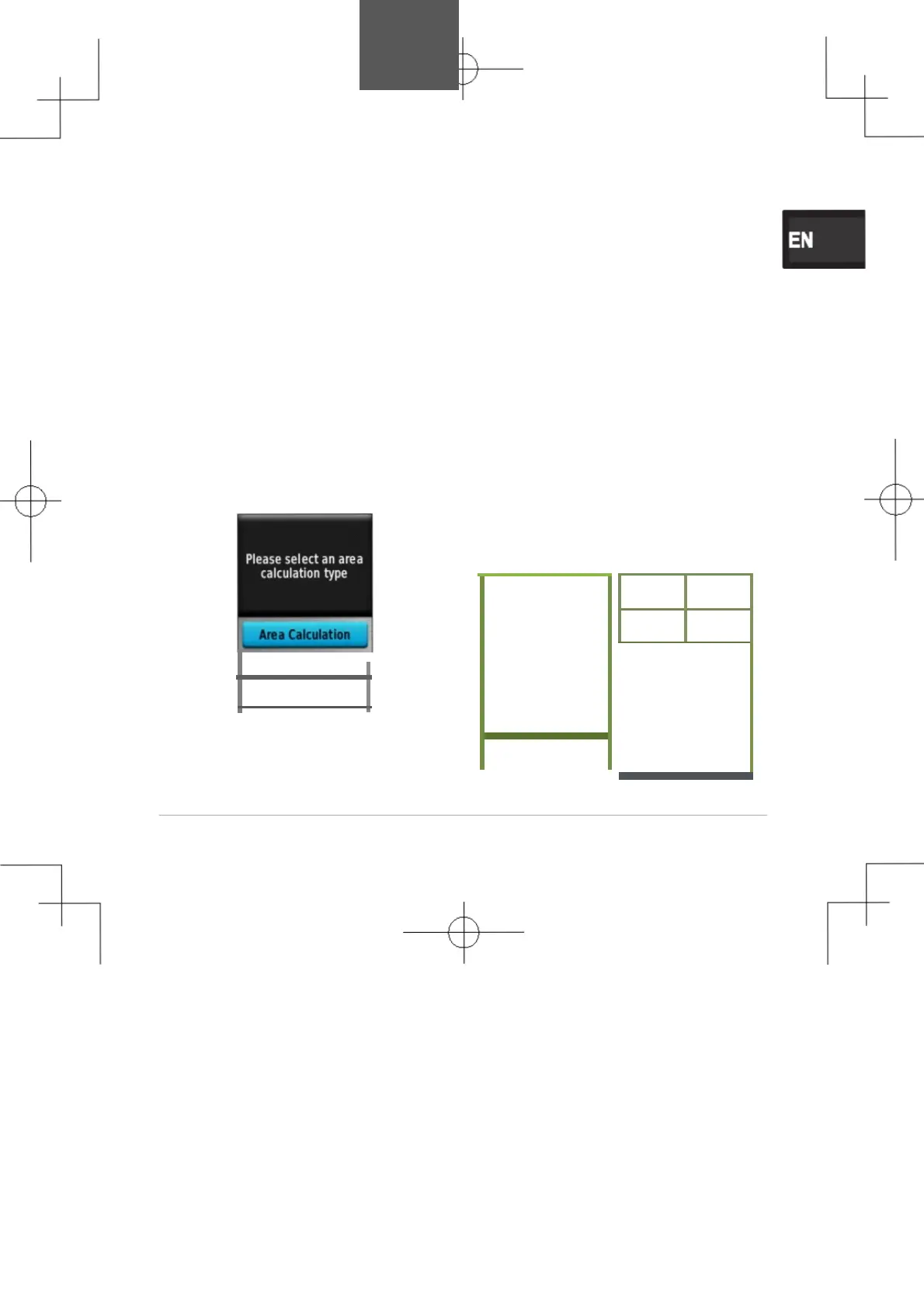
calculation:Area
Calculation,
PI
owl
and
Area,Route
Calculation.
Area
Calculation
Pus
h
Start
on
th
e
screen
when
GPS
is
locked
and
slowly
walk
along
th
e
edge
of
the
area
to
calculat
e
while
holding
the
device.
Th
e
covered
area
will
be shown
on
th
e
screen
(
wit
h
the start
and
end
point
s
connecte
d
wit
h
a straight
line)
.
Pus
h
Calculat
e
to
show
the
current area
and
lengt
h
results.
The
n
push Pause
or
Finish.
Pause:
Paus
e
the area calculation.
Pus
h
Continue
t
o
resume
area
calculation.
Finish:
Complete the
area
calculation and save the
current
results.
-
P
l
owtan
d
Area
Route Calculation
l
25

Table of Contents

Other manuals for Garmin GPSMAP 64s

Related product manuals