EasyManua.ls Logo

Garmin GPSMAP 64s - Change Measuring Units and Unit Price; Satellite Page; Satellite Settings

Garmin GPSMAP 64s
50 pages
Print Icon
To Next Page IconTo Next Page
To Previous Page IconTo Previous Page
Loading...
··
-
I
ll
Area
Calculation
18823.352
ac
0.00
$
Length
Calculation
61204.105
m
0.00
$
, •
Prim
I
rout
e
.
Th
e
units and unit price
may
also
be changed.
Rute
001
Elevation
Plot
Change Name
Reverse
Rou
te
De
l
et
e
Route
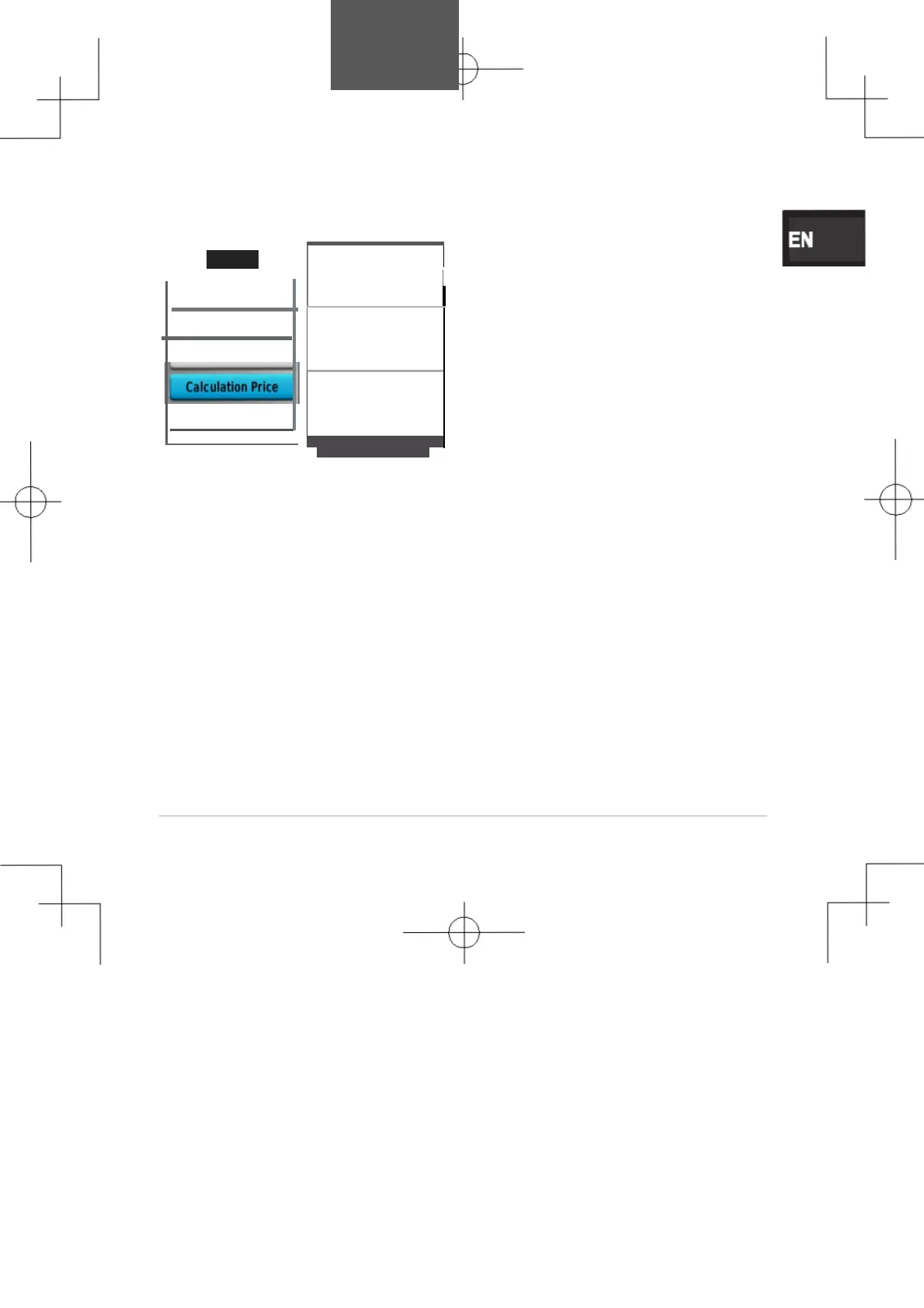
Change Measuring Units
and
Unit
Price
Area calculation can be shown
in
different
unit
s
.
Push Menu on
the
area calculation screen
to
pop
up
the
Change Units
op
t
i
on
.
Th
e
rea
units,
area
unit
price, length
umts,
length unit
price, and
length
mode
can
be changed.
Satellite
Page
The
satellit
e
page
shows
your
current
location,
GPS
accuracy,
satellit
e
locations,and
signal
strength.
Satellite
Settings
From the
satellit
e
page
,
select
MEN
U
.
your
GPS
positio
n
using
the
Set Location On
Map:Allows
you
to
mark your current
location
on
the map.This
optio
n
is
GPS.
Yo
u
can
use
thi
s
location
t
o
creat
e
routes
or
search
for
saved
locations.
Multlcolor:Allows you to select
whether the satellite page
is
displayed
in
multicolor
or single
color.
Track
Up
:
Indicates
whether
satellites
are
shown with
rings
oriented with north toward
the
top
of
the
screen
or oriented
wit
h
your current track
toward
th
e
top
of
the
screen.
Usa Demo
Mode:Allows you
to
tum
th
e
GPS
off
.
Usa Satellite
System:Allows
you
to
tur
n
th
e
GPS
on
.
27

Table of Contents

Other manuals for Garmin GPSMAP 64s

Related product manuals