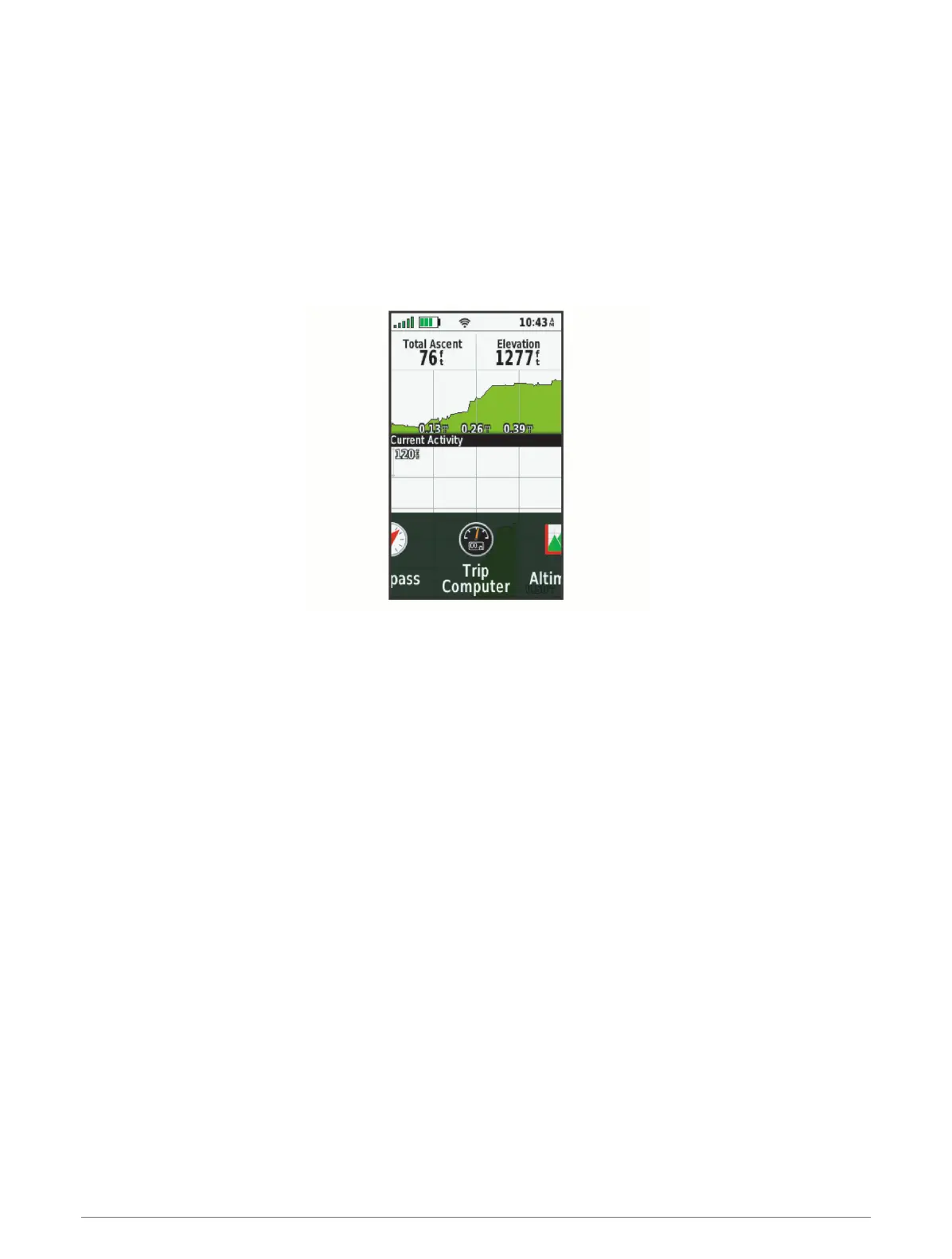
Changing the Page Sequence
1 Press MENU twice to open the main menu.
2 Select Setup > Menus > Page Sequence > Edit Page Sequence.
3 Select a page.
4 Select an option:
• To move the page up or down in the list, select Move.
• To add a new page to the page sequence, select Insert, and select a category.
• To remove a page from the page sequence, select Remove.
TIP: You can press PAGE to view the page sequence.
Configuring the Page Ribbon Display
1 Press MENU twice to open the main menu.
2 Select Setup > Menus > Page Sequence > Page Ribbon Display.
3 Select an option:
• To disable the page ribbon display, select Off.
• To set the speed at which a page opens after being selected in the page ribbon display, select Slow or
Fast.
Position Format Settings
NOTE: You should not change the position format or the map datum coordinate system unless you are using a
map or chart that specifies a different position format.
Press MENU twice to open the main menu. Select Setup > Position Format.
Position Format: Sets the position format in which a location reading appears.
Map Datum: Sets the coordinate system on which the map is structured.
Map Spheroid: Shows the coordinate system the device is using. The default coordinate system is WGS 84.
Customizing the Device 41













 To Next Page