GPSMAP 700 Series Owner’s Manual 9
Charts and 3D Chart Views
5. Select > .
6. Use the slider bar to select a level of detail.
Selecting a World Map
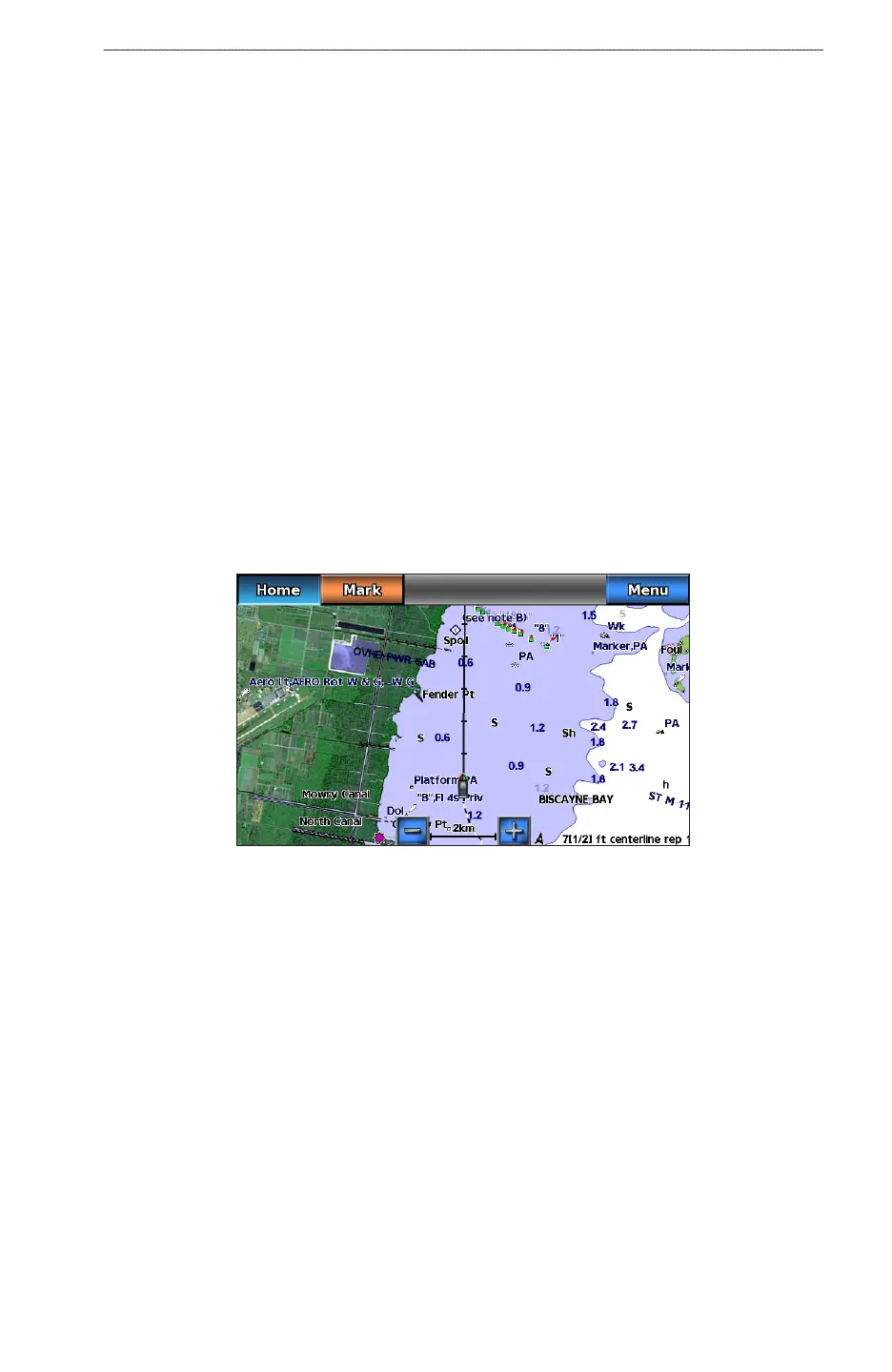
You can use either a basic world map or a shaded relief map on the Navigation chart or the Fishing chart.
These differences are visible only when zoomed out too far to see the detailed charts.
: Shaded relief maps are available if you use a BlueChart g2 Vision SD card. The Fishing chart is
available if you use a BlueChart g2 Vision SD card or a BlueChart g2 SD card, or if your built-in map supports
Fishing charts. The basic world map is available on all GPSMAP 700 series chartplotters.
1. From the Home screen, select .
2. Select or .
3. Select .
4. Select or .
5. Select .
6. Complete an action:
• Select > to show shaded relief on the chart.
• Select > to show basic map data on the chart.
Showing and Conguring the Heading Line
The heading line is an extension drawn on the map from the bow of the boat in the direction of travel. You can
congure the appearance of the heading line for the Navigation chart or the Fishing chart.
Heading Line
1. From the Home screen, select .
2. Select or .
3. Select .
4. Select or .
5. Select > > .
6. Complete an action:
• Select > , enter the distance to the end of the heading line, and select .
• Select > , enter the amount of time until you reach the end of the heading line, and
select .











 To Next Page