GPSMAP 700 Series Owner’s Manual 1
Getting Started
Getting Started
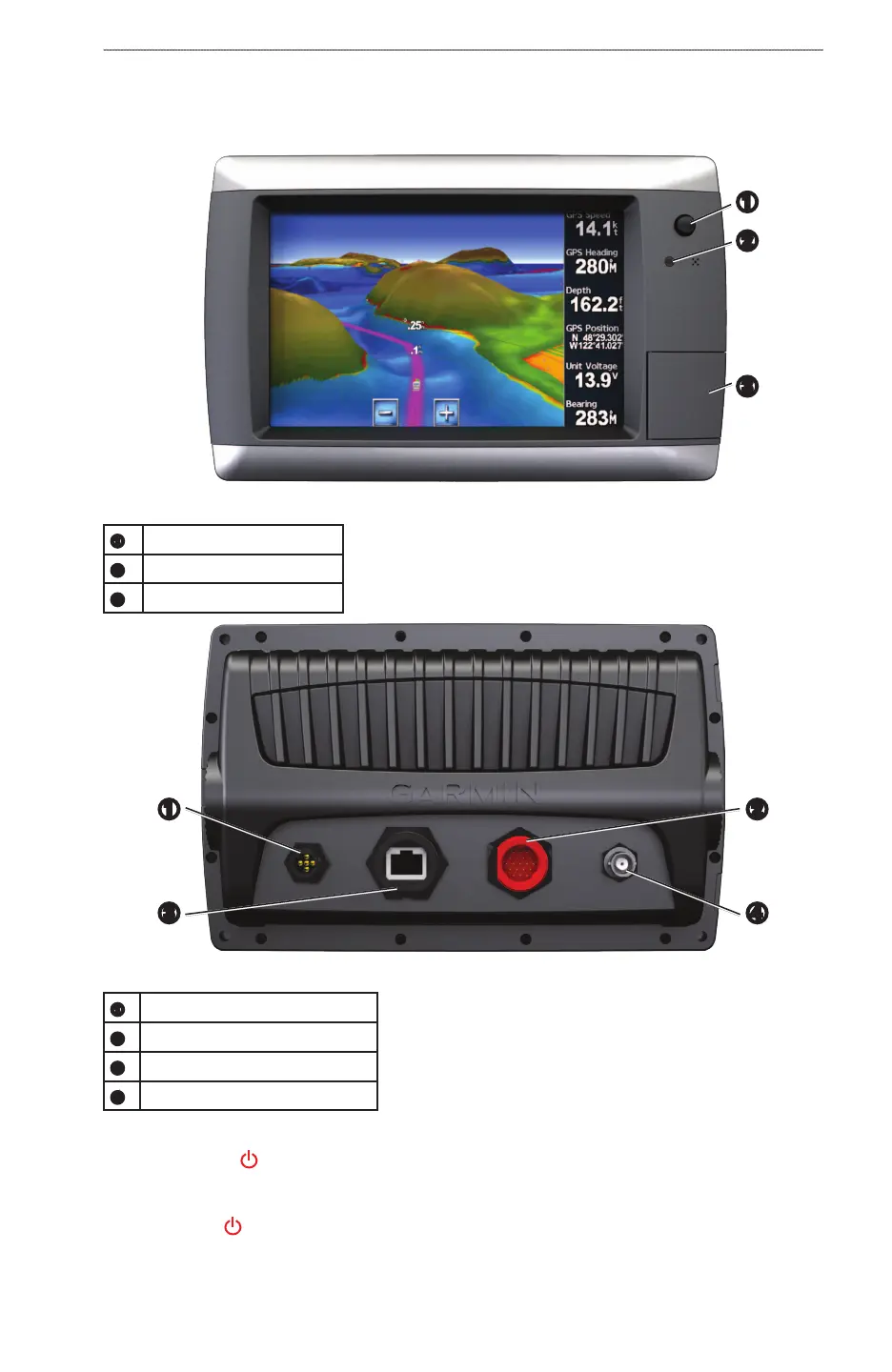
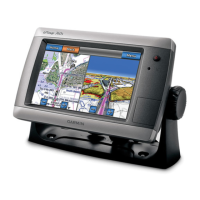
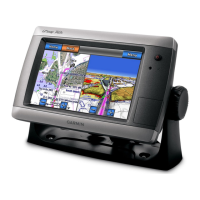
Front and Back Panels
➊
➋
➌
GPSMAP 700 Series Front View
➊
Power key
➋
Automatic backlight sensor
➌
SD card slot
GPSMAP 700 Series Back View
➊
➌
➋
➍
➊
NMEA 2000 connector
➋
Power/data connector
➌
Radar Port
➍
External GPS antenna connector
Turning On the Chartplotter
Press and release .
Turning Off the Chartplotter
Press and hold .





 To Next Page