K2 Summit and K2 Base Direct Detection Camera User's Guide
14
Getting Started with the K2 Direct
Detection System
Power on Sequence for K2 Base
To start from the power off:
1. Close DM if it is open (or power on the PC if it is off).
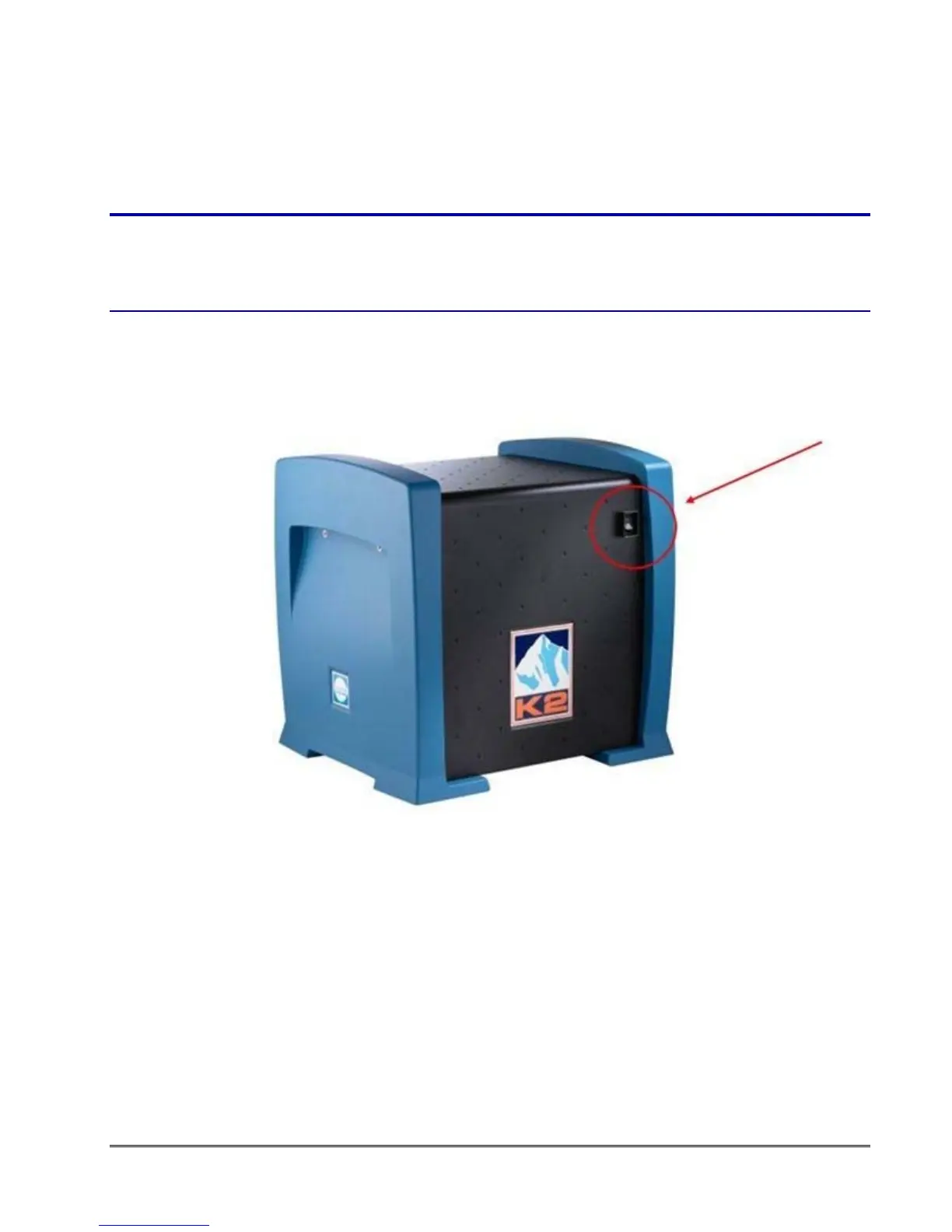
2. Turn on the K2 digitizer (blue K2 box near the camera and TEM).
figure 1-4. K2 digitizer
3. Wait at least 3 minutes after powering on the K2 digitizer.
4. Launch DigitalMicrograph (DM).
5. Click the setting button (hammer/wrench) (#1, Figure 1-7, page 16) in the K2 Direct
Detection palette.
6. Click the System ON button. Wait for the system to finish turning on.


 To Next Page