K2 Summit and K2 Base Direct Detection Camera User's Guide
1
Power off Sequence for K2 Summit
Under normal circumstances, you can leave the K2 box running. If necessary, you can power
down the K2 camera completely.
To completely power down the K2 camera:
1. In DM: Click the settings button (hammer/wrench) in the K2 Direct Detection palette.
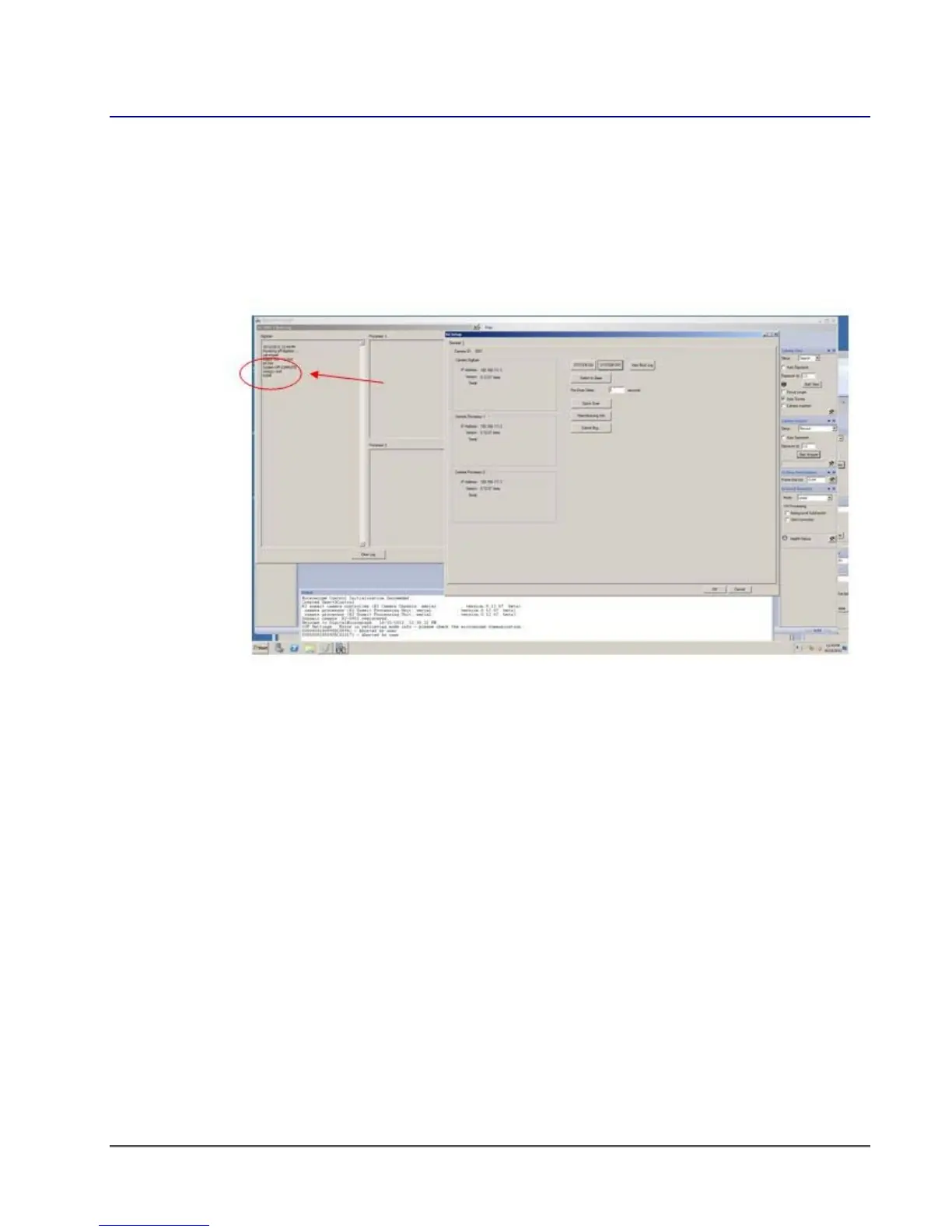
2. Click the System OFF button. Wait about 10 seconds (or open the logs and watch for the
DONE message in digitizer log window).
figure 1-8. DigitalMicrograph interface during shutdown of K2 Summit system
3. Close DM.
4. Turn off K2 digitizer (blue box).
5. Turn off K2 processing rack.
6. Turn off the PC if desired.


 To Next Page