EasyManua.ls Logo

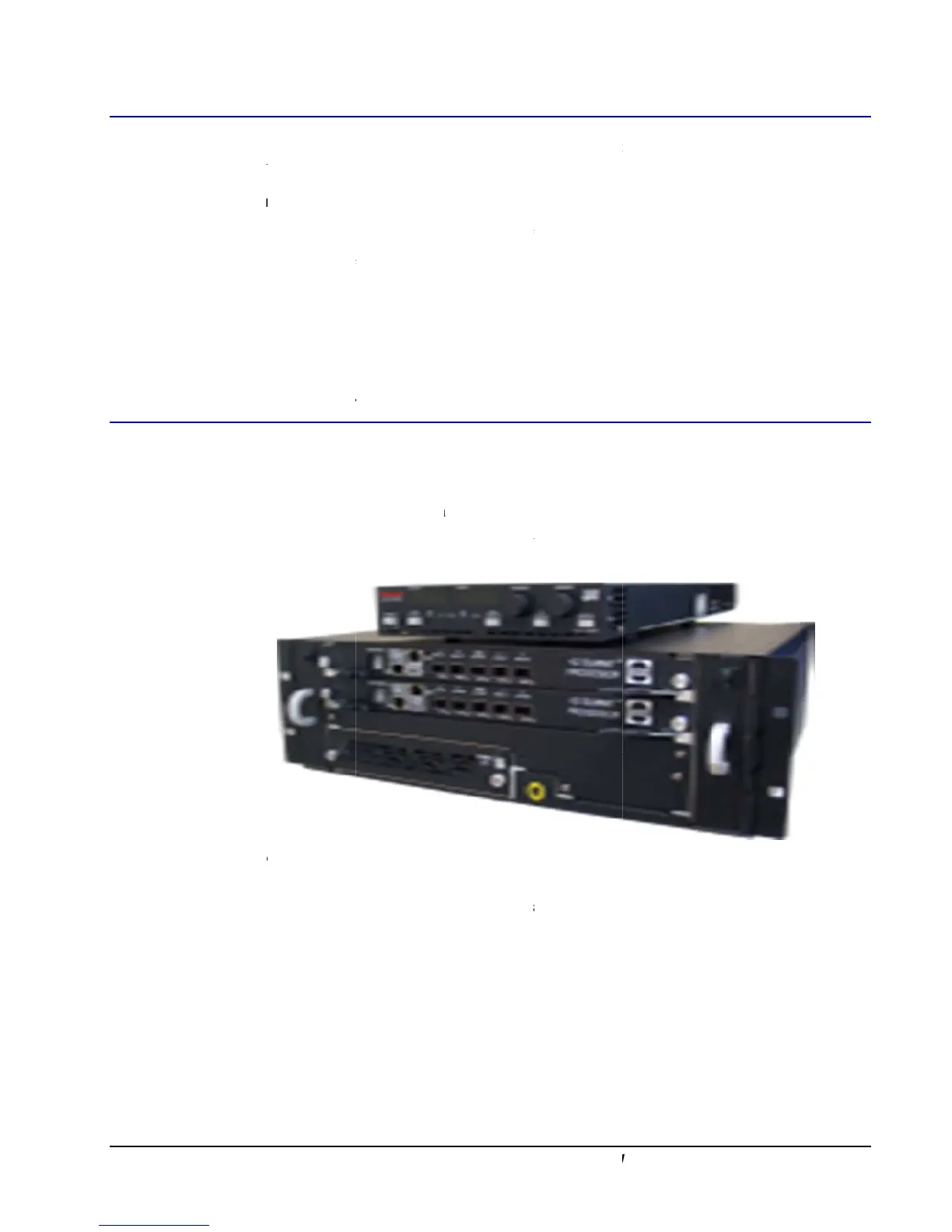
Gatan K2 Summit - Power off Sequence for K2 Base; Power on Sequence for K2 Summit; Figure 1-5. TEC Controller (Top) and K2 Summit Processor (Bottom)

Gatan K2 Summit
49 pages
Print Icon
To Next Page IconTo Next Page
To Previous Page IconTo Previous Page
Loading...
15
Powe
Powe
r off Se
q
Under
down
t
To co
m
1. In
2. C
l
3. C
l
4. T
u
5. T
u
r on Se
q
To st
a
1. C
l
2. T
u
3. T
u
fi
g
ur
e
4. T
u
K2 Summit
q
uence
normal circ
u
t
he K2 came
r
m
pletely po
w
DM: Click t
h
l
ick the Syst
e
l
ose DM.
u
rn off K2 di
g
u
rn off the P
C
q
uence
f
a
rt from the
p
l
ose DM if it
u
rn on power
u
rn on the po
w
e
1-5. TEC
u
rn on the K
2
and K2 Base
for K2
B
u
mstances, y
o
r
a completel
y
w
er down th
e
h
e settings b
u
e
m OFF
b
utt
o
g
itizer (blue
b
C
if desired.
f
or K2
S
p
ower off:
is open (or p
o
to the Ther
m
w
er switch o
n
Controller
(
t
o
2
digitizer (bl
u
Direct
D
etect
i
B
ase
o
u can leave t
h
y
.
e
K2 camera
u
tton (hamme
o
n. Wait abo
u
b
ox).
S
ummit
o
wer on the
P
m
o Electric C
o
n
the back of
t
o
p
)
and K2
S
u
e K2 box ne
a
i
on Camera
U
h
e K2 box ru
n
a
:
e
r/wrench) in
u
t 10 seconds
P
C if it is off)
o
oler (TEC).
the K2 proce
S
ummit Pro
c
ar the camer
a
U
ser's Guid
e
u
nning. If nec
e
the K2 Direc
.
.
ssing rack.
c
essor
(
bott
o
a
and TEM).
e
ssary, you c
a
t Detection p
o
m
)
a
n power
alette.

Table of Contents

Related product manuals