1-20 Getting Started
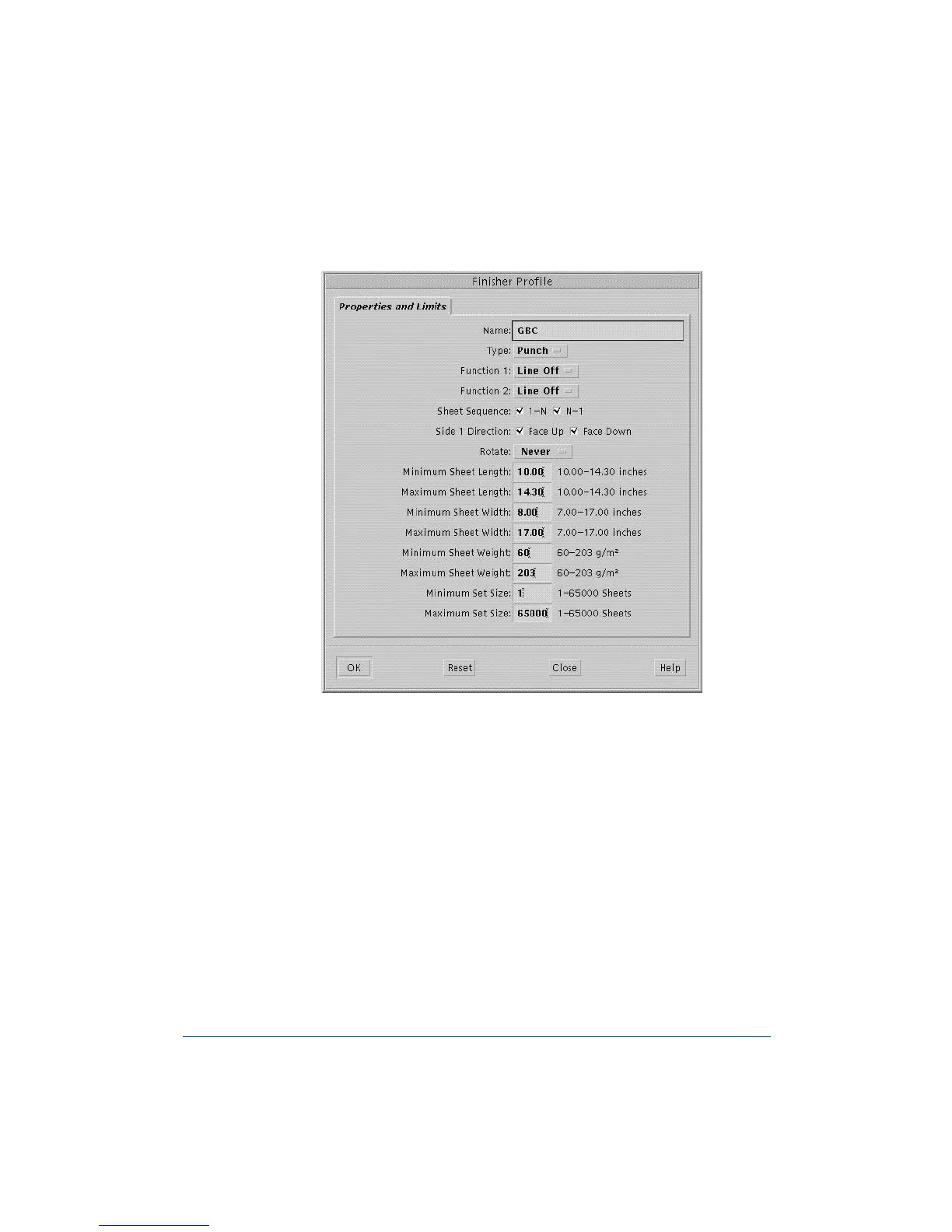
The Finisher Profile Window, Properties and Limits screen will
display, as shown in Figure 1-11.
Figure 1-11: The Finisher Profile Window, Properties and Limits Screen
9 Perform the following steps:
a) Go to Appendix A in this User Guide and locate the profile sheets
for the same finishing device as in Step 5, but this time, with the
sheet for the Finisher Profile - Properties and Limits values.
b) Ensure that all of the entered values conform to those in the profile
sheet, then click on OK.



 To Next Page