Creating 61XX Profiles and Print Queues 1-21
1
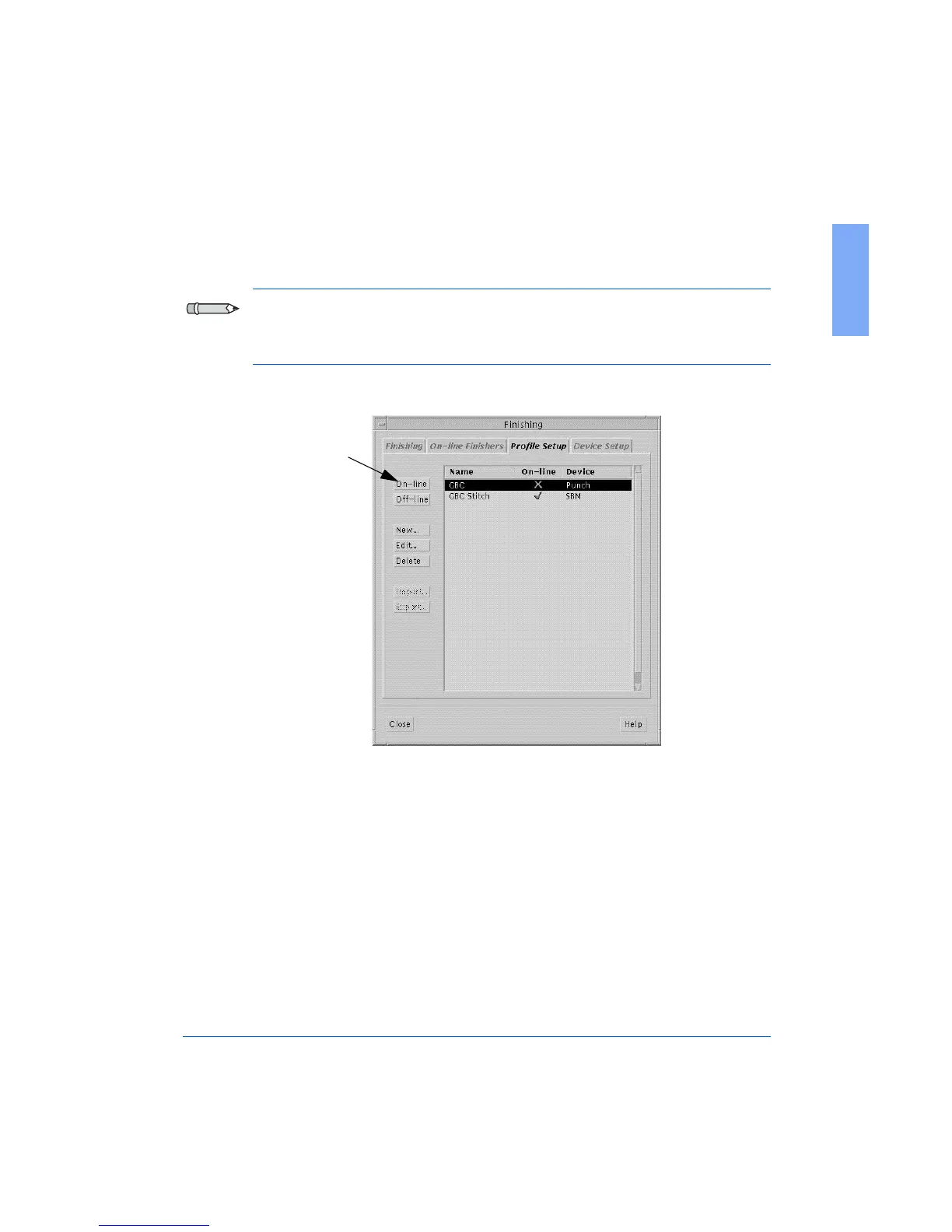
The Finishing Window with the Profile Setup screen displays again,
as shown in Figure 1-12.
Note: After entering and/or checking the default values for the
FusionPunch II, you will need to repeat Steps 5 through 9 for each
additional finishing device installed in the system.
Figure 1-12: The Finishing Window and Profile Setup screen
10 Highlight GBC and click On-Line.
11 Select the On-Line Finishers tab in the Finishing Window.
On-line button



 To Next Page