Centering the Punch 2-7
2
Centering the Punch
The purpose of this procedure is to center the punched hole set on the paper.
1 Set up the FusionPunch II in the following modes and destination;
"Offline / Punch / Stack 1" (or Stack 2).
2
Ensure that the Stacker Tray is in the TOP position. If it is not, press the
RAISE/LOWER STACKER 1 or 2 button either once or twice
until the Stacker moves up to its TOP position. The Punch will not start
with the Stacker Tray down.
3 Press START .
4 Into the Single Sheet Feeder, feed a sheet of paper of the size required
for the job.
5 Press the STOP/RESET button.
6 Press the RAISE/LOWER STACKER 1 or 2 button to lower the
Stacker.
7 Open the Stacker Door and remove the punched sheet of paper.
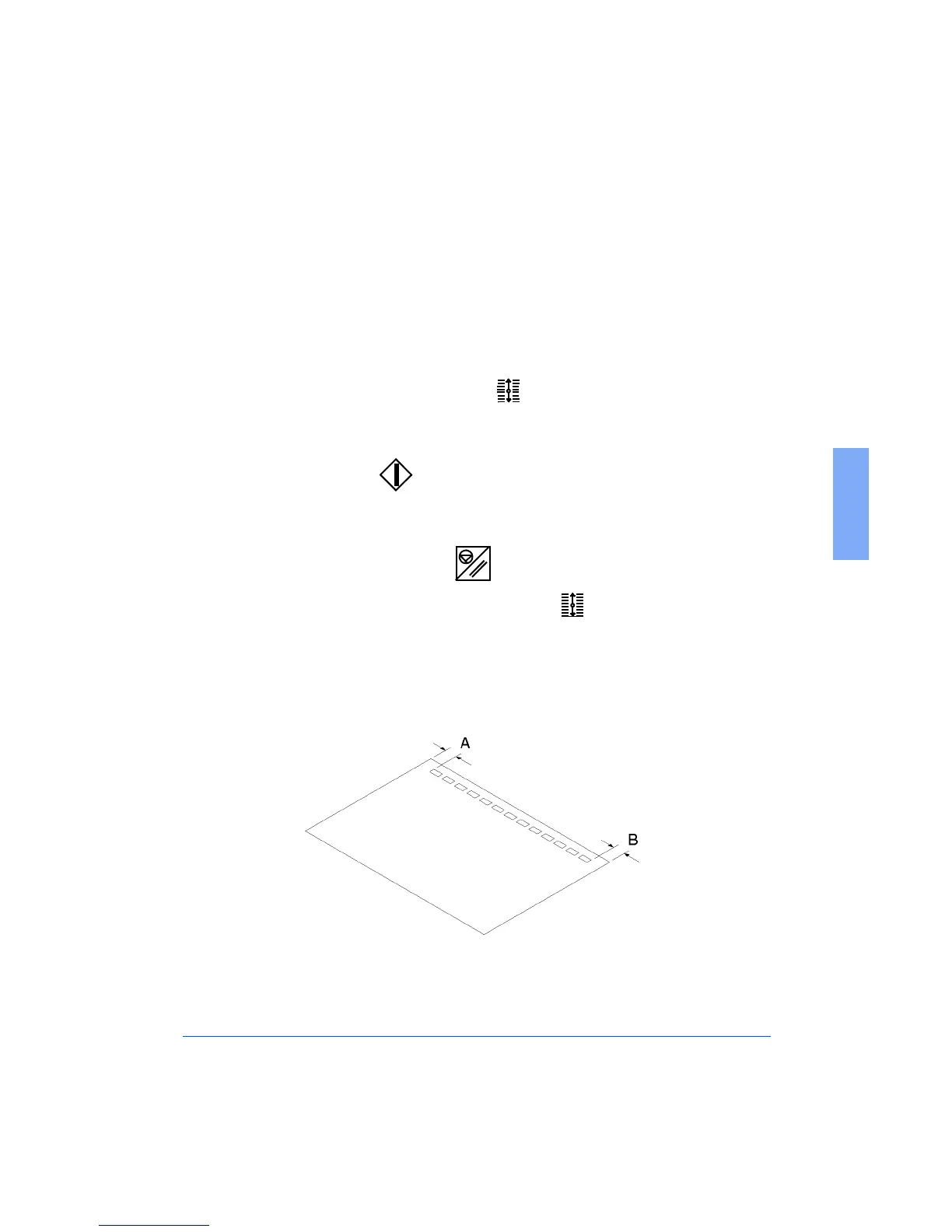
8 Check the centering of the punched holes, as shown in Figure 2-5.
Figure 2-5: Checking the Centering of the Punched Holes
Punch is
centered



 To Next Page