130 232001840G(08)
Keeping your LaserPro C180II clean and well maintained will ensure quality output, consistent reliability,
and extended product life. Smoke, dust or residue build-up inside the laser system or the mechanical
components can cause a reduction in the laser power, irregularities in the motion system, reduced
product life cycle, and a host of other avoidable problems. This section will cover how to perform regular
maintenance on the LaserPro C180II’s worktable, motion system, mirrors, and focal lens.
The frequency of the cleaning schedule will depend on number of variables such as the types of material you
work with, the immediate work environment, the frequency of use, the quality of the exhaust system, etc.
Clean the machine on weekly base for normal case.
WARNING
࣭Electrical shock may occur if you do not turn off and unplug the C180II before cleaning.
࣭Damage may occur to the system if you do not turn off and unplug the C180II
before cleaning.
࣭
Always turn off and unplug the LaserPro C180II before cleaning!
࣭ Resulting debris from laser cutting are very dangerous and may cause fire hazard.
8.1 Suggested Cleaning and Maintenance Supplies
Cleaning
/
Maintenance
To o l
Special
notes
Soap
Solution
or
All-Purpose
Cleaner
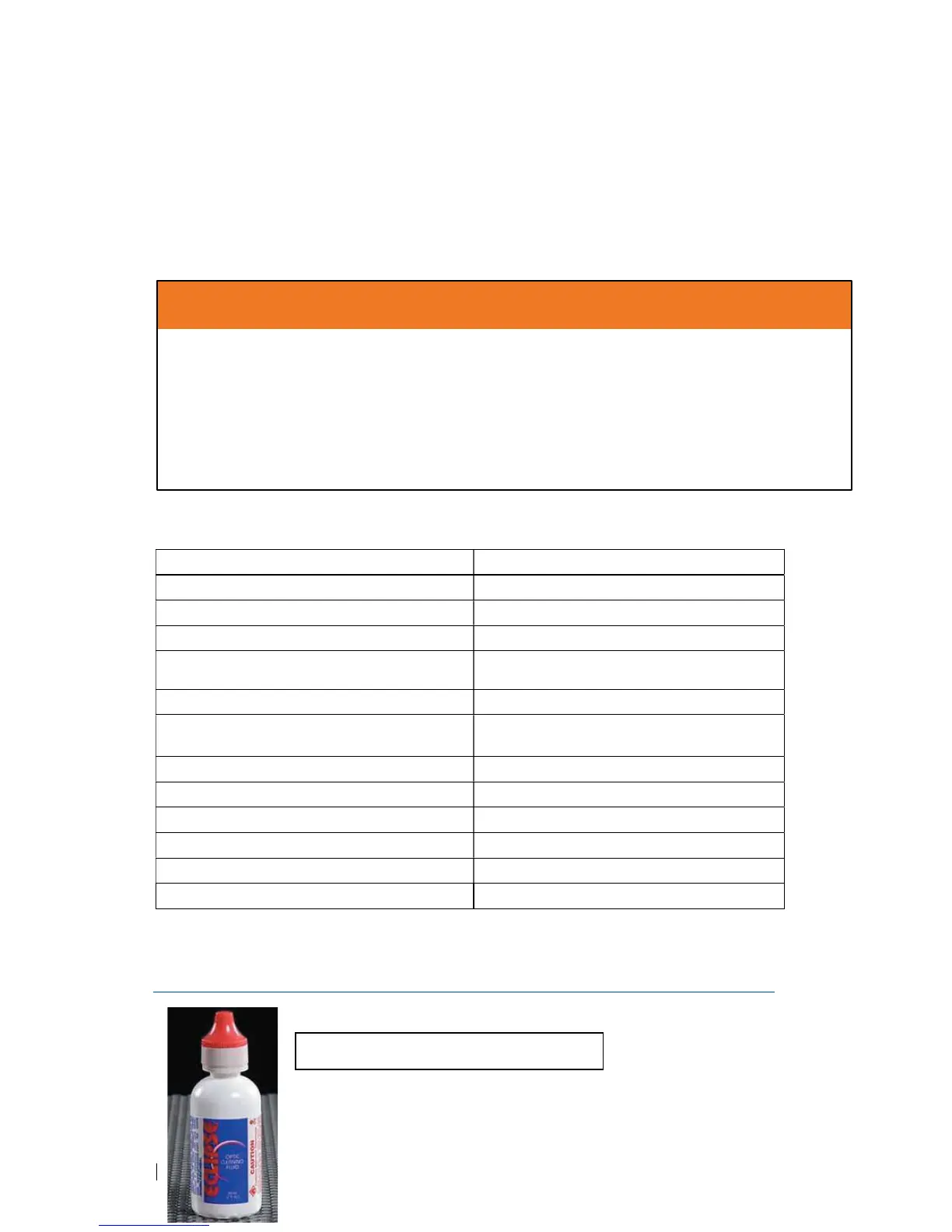
*The recommended lens cleaner is Eclipse Cleaning System Solution from Photographic Solutions
or HPLC grade Methanol. Search “Eclipse Cleaning System Solution” on Amazon or eBay to get
the solution locally.
http://www.amazon.com/Photographic-Solutions-ECDCS-Cleaning-Solution/dp/B0000AUR1I





 To Next Page