136 232001840G(08)
8.3.3 Removing and Cleaning the Focal Lens
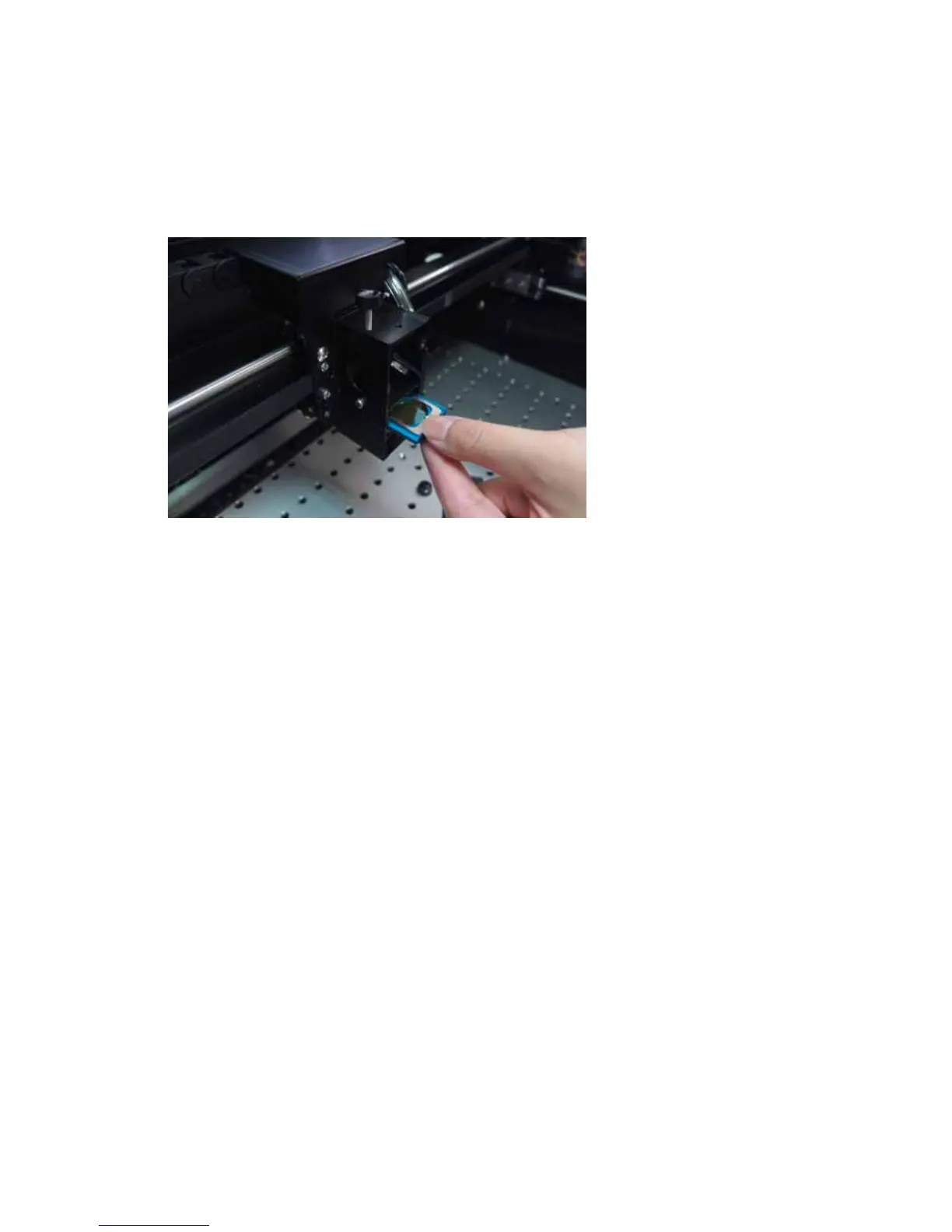
1) Unscrew the three thumbscrews (front face of the laser head) securing the laser carriage panel
and remove the laser carriage panel to reveal the focal lens.
2) Carefully pull out the focal lens (as indicated in the picture below).
3) Clean the focal lens with a cotton swab and lens cleaner solution. Be sure to clean both sides of
the focal lens (DO NOT apply any pressure or other cleaning solutions to the lens surface).
4) After cleaning, use a cotton swab to gently dry the focal lens and lens cover.





 To Next Page