42 232001840G(08)
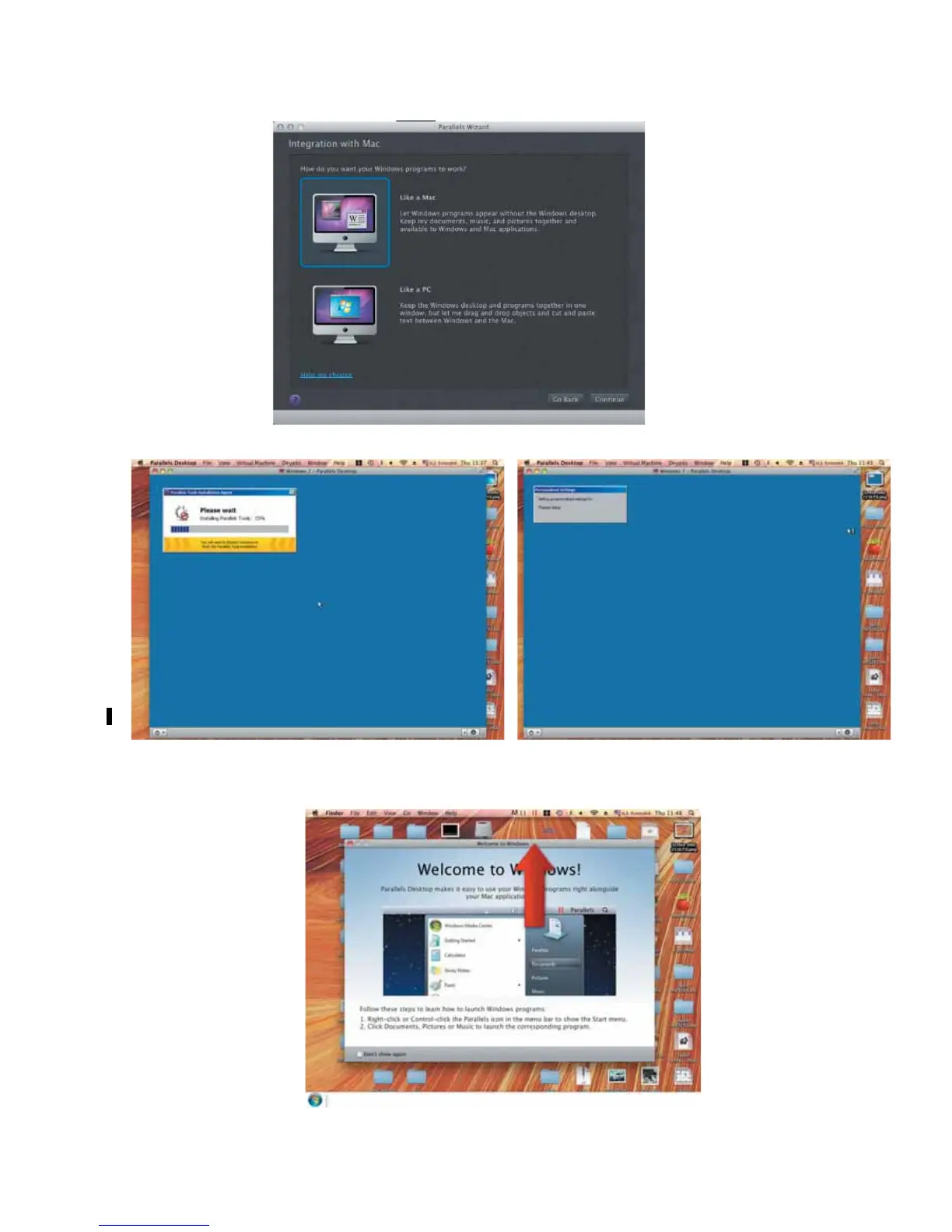
13) Select how you would like to run your Windows program.
14) After the prior setting is complete the windows OS installation procedure will start automatically.
15) Windows OS installation is complete then you can refer to “4.2.4 Installation of the LaserPro Print
Driver” to install GCC LaserPro Print Driver.
16) Install the AP that you want to use after the above installation is complete.





 To Next Page