89 232001840G(08)
As an example: a particular "pen" color may be assigned to areas in your design containing color
fills (raster engraving) and very thin lines (vector cutting). By checking / unchecking the Raster and
Vector will force the driver to process / ignore the color fills / thin lines.
Auto
Focus
(Pen
Page)
[DEF
AUL
T
SETTING:
Unselected]
This checkbox sets the Auto Focus for that particular job. With the Auto Focus button checked, the
LaserPro C180II will automatically initialize the auto focus procedure before starting the job. This will
ensure the focal distance is properly set based on the particular material you are working with and the
focal lens you have installed.
Air
(Pen
Page)
[DEF
AUL
T
SETTING:
Unselected]
This checkbox controls the SmartAIR air-assist function (if you have the optional air compressor
installed). By selecting a pen color and checking this box will enable the SmartAIR air-assist
function for that particular pen color. As an example, if you are performing a combination of both
surface raster engraving job and deep vector cutting on a material such as acrylic, you may want
to enable the SmartAIR air-assist for the vector cutting sections to get the cleanest cuts. To do
this, you would simply need to select the pen color that you have assigned to the sections to
be cut and select the Air checkbox for those particular pen colors.
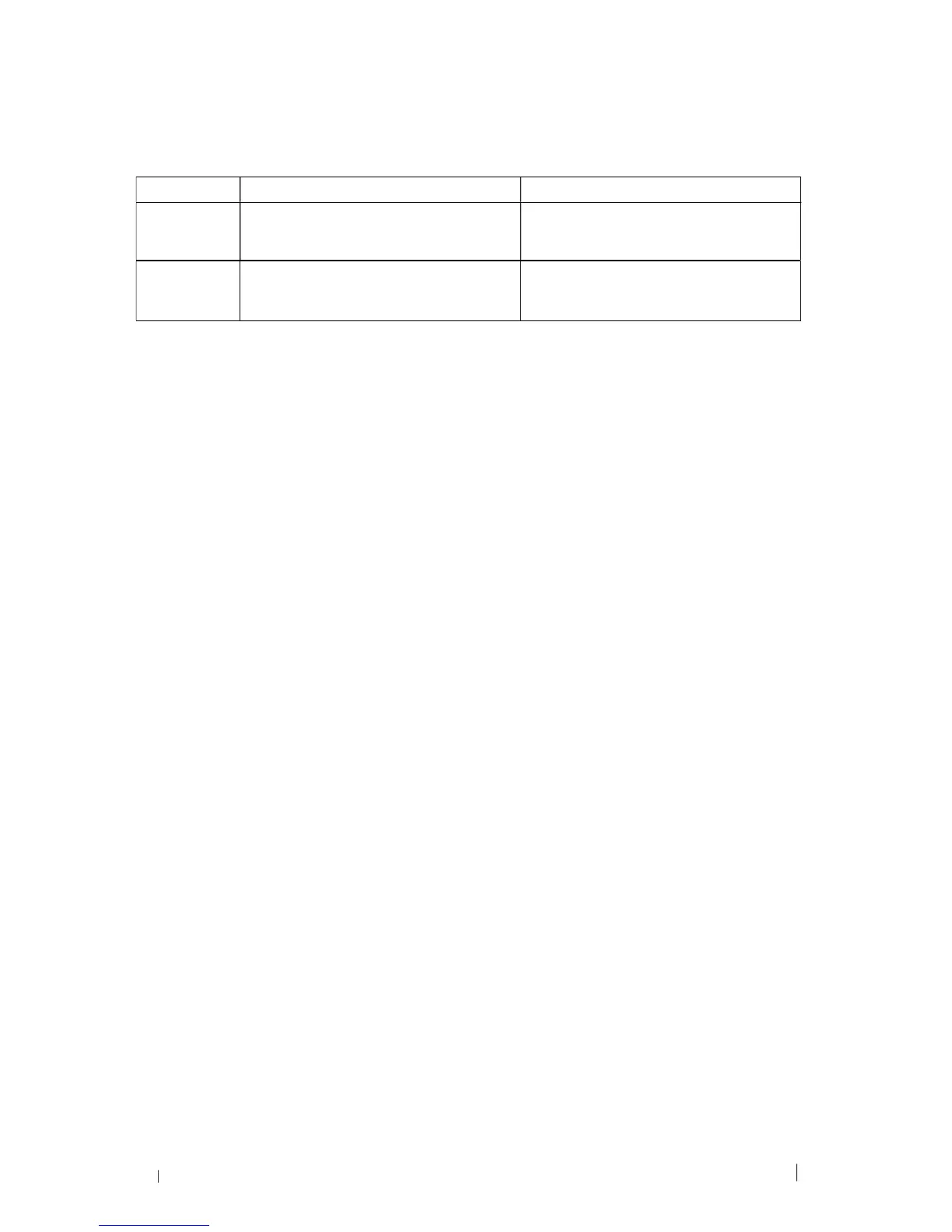
Vector Checked
Raster
Checked
Processes both Vector and Raster
functions for that particular color
Processes only the Raster functions for
that particular color (Vector functions
ignored)
Raster
Unchecked
Processes only the Vector functions for
that particular color (Raster functions
ignored )
Does not process Vector or Raster
functions for that particular color





 To Next Page