34 MDS™ Master Station MDS 05-6399A01, Rev. F
• Serial data interface configuration
• Encryption settings
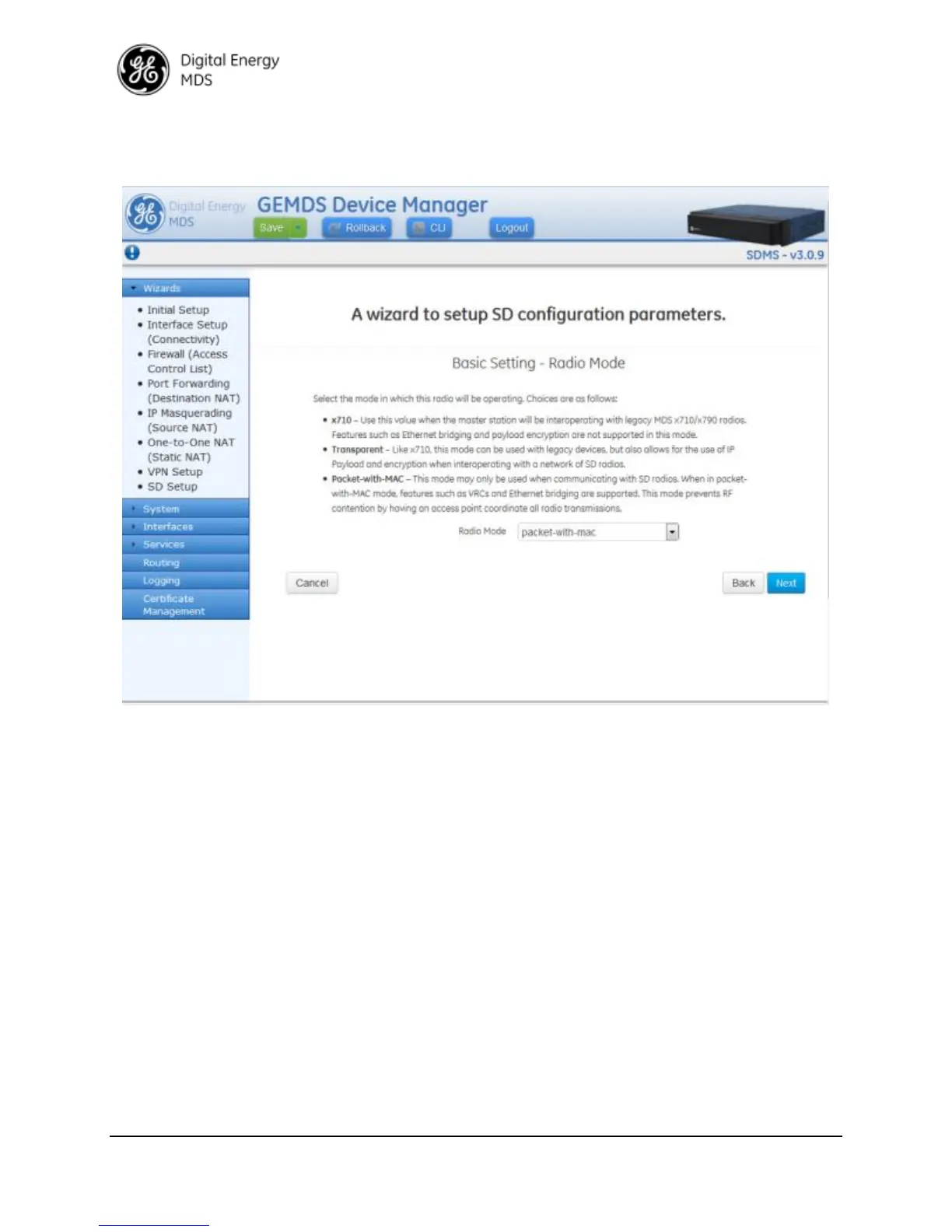
Similarly Wizards
Interface Setup will allow the user to configure the LN radio.
5.6 Interface Configuration
Understanding
A serial cable (RJ45 cable with proper ETH to DB9 converter) may be used to connect to a COM
port on the unit to access the CLI. The default serial console settings are 115200 bps with 8N1
format. A mini-USB-to-USB cable may also be used to connect to a Computer in case no serial
port exists. If a mini-USB connection is used, the computer must contain the appropriate device
driver. A driver for serial operation can be found on GE MDS website.
Configuring
The screen below shows console access to the COM1 serial and USB port:
Navigate to: Services
Serial
Basic Config


 To Next Page
 Loading...