A-6 8 SERIES PROTECTIVE RELAY PLATFORM – COMMUNICATIONS GUIDE
SETTING UP A SIMPLE RADIUS SERVER CHAPTER A: RADIUS SERVER AND CERTIFICATES
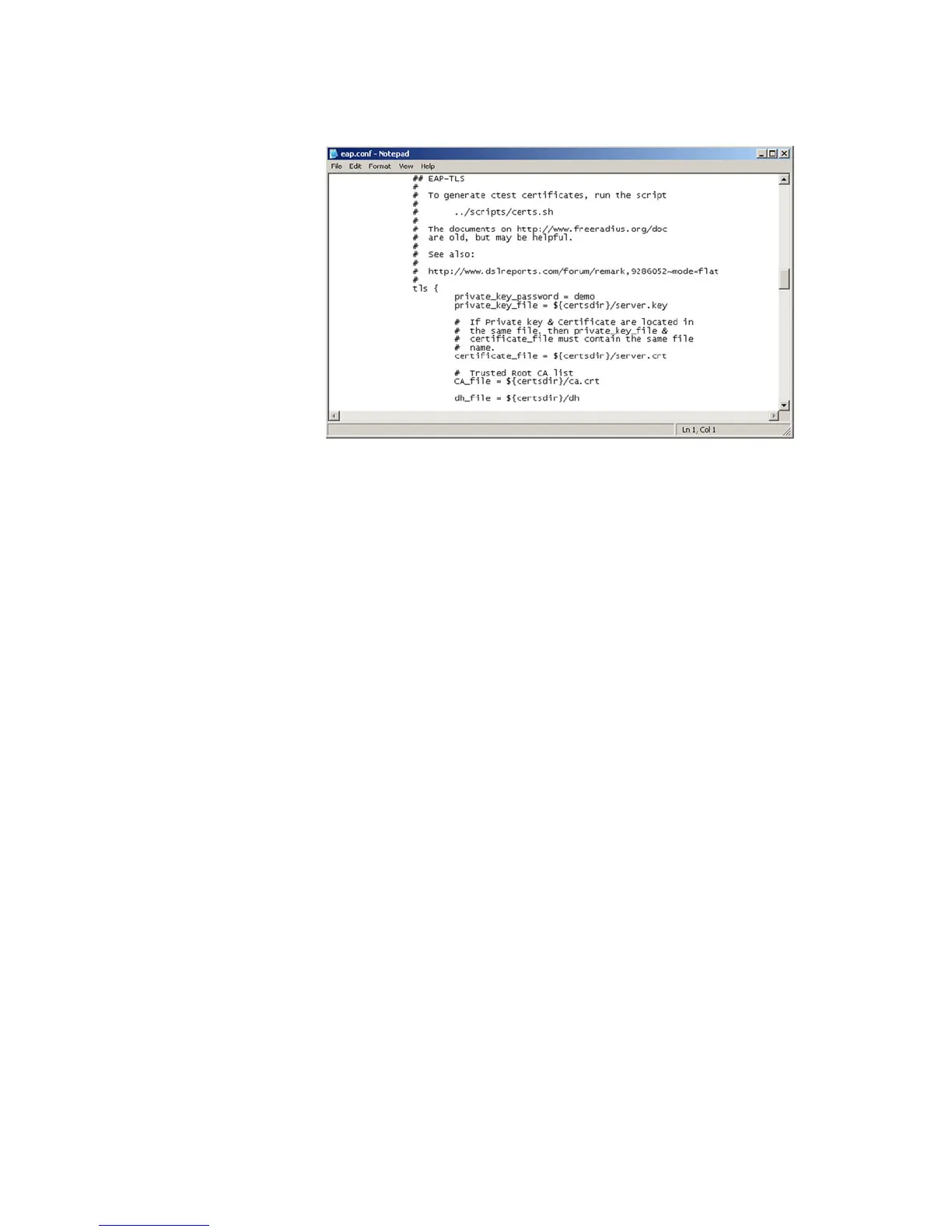
Figure A-2: EAP.CONF file
Start the Server
The <Path_to_Radius>/start_radiusd_debug.bat file can be used to start the RADIUS
server in debug mode.
It is recommended to first run the RADIUS server in debug mode, otherwise, you cannot
see what is going on and cannot correct any problems.
Radius Client Configuration (8 Series Unit)
Radius settings are configured under Setpoints > Device > Security on the EnerVista 8
Series Setup software.
Configure the IP address and ports for the Radius server.
Enter the vendor ID for GE in the field dedicated for this purpose. The GE vendor ID is 2910
and the field is set to this value by default.
The CA’s public certificate needs to be transferred to the 8 Series unit . Since the 8 Series
unit accepts the certificates in DER format, the signed certificate must first be converted
from PEM format to DER by using the command:
openssl x509 -in ca.crt -inform PEM -out ca.der -outform DER
Move the DER file (ca.der) to the 8 Series unit by using SFTP.
The path on the 8 Series unit is “/net/MainShare”
Finally, update the Remote RADIUS shared secret (as set up in clients.conf) using the
EnerVista 8 Series Setup software.



 To Next Page