4-12 F35 Multiple Feeder Protection System GE Multilin
4.2 EXTENDED ENERVISTA UR SETUP FEATURES 4 HUMAN INTERFACES
4
b) ONLINE DEVICE TRACEABILITY INFORMATION
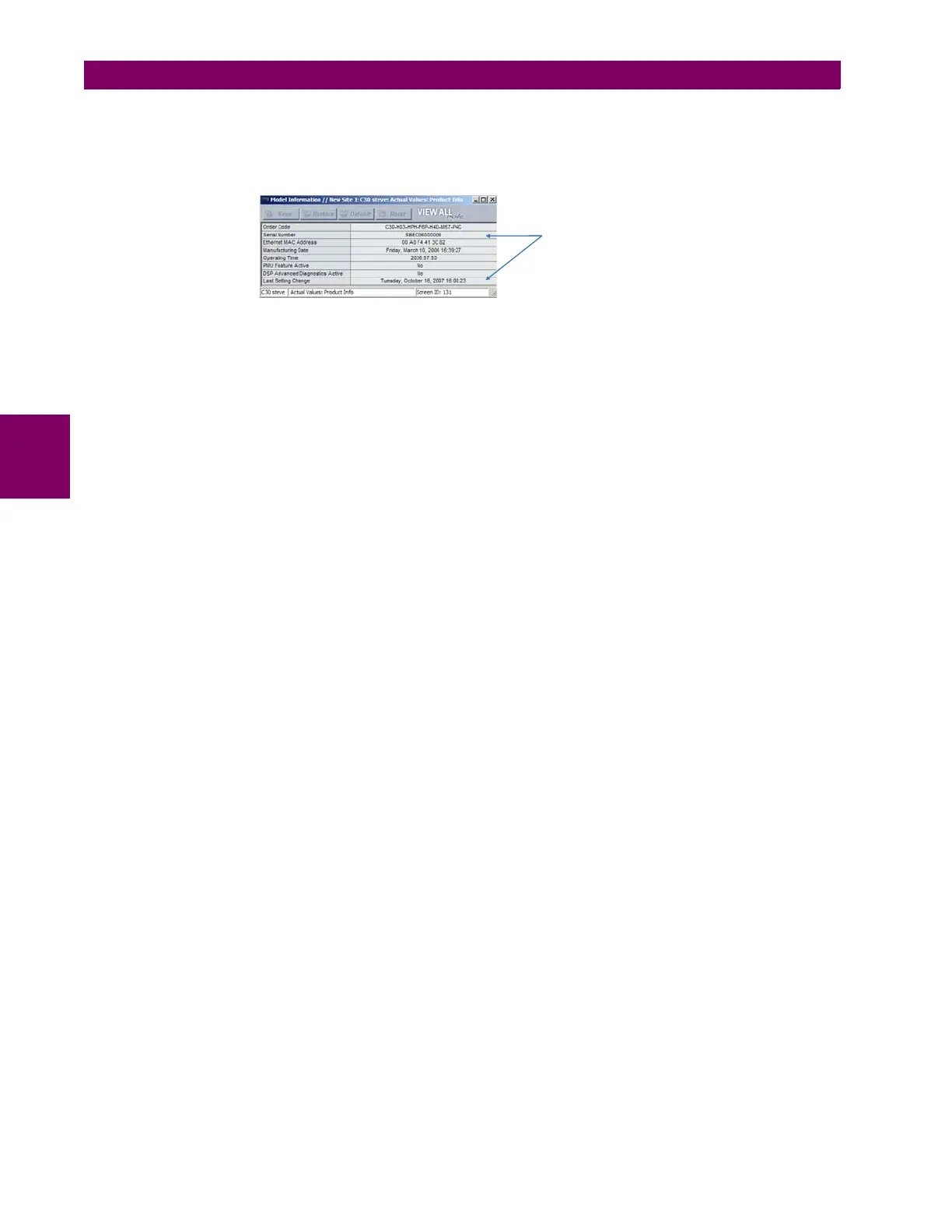
The F35 serial number and file transfer date are available for an online device through the actual values. Select the Actual
Values > Product Info > Model Information menu item within the EnerVista UR Setup online window as shown in the
example below.
Figure 4–14: TRACEABILITY DATA IN ACTUAL VALUES WINDOW
This infomormation if also available from the front panel display through the following actual values:
ACTUAL VALUES ÖØ PRODUCT INFO Ö MODEL INFORMATION ÖØ SERIAL NUMBER
ACTUAL VALUES ÖØ PRODUCT INFO Ö MODEL INFORMATION ÖØ LAST SETTING CHANGE
c) ADDITIONAL TRACEABILITY RULES
The following additional rules apply for the traceability feature
• If the user changes any settings within the settings file in the offline window, then the traceability information is
removed from the settings file.
• If the user creates a new settings file, then no traceability information is included in the settings file.
• If the user converts an existing settings file to another revision, then any existing traceability information is removed
from the settings file.
• If the user duplicates an existing settings file, then any traceability information is transferred to the duplicate settings
file.
Traceability data in online
device actual values page
842865A1.CDR



 To Next Page