5-8 F35 Multiple Feeder Protection System GE Multilin
5.2 PRODUCT SETUP 5 SETTINGS
5
5.2PRODUCT SETUP 5.2.1 SECURITY
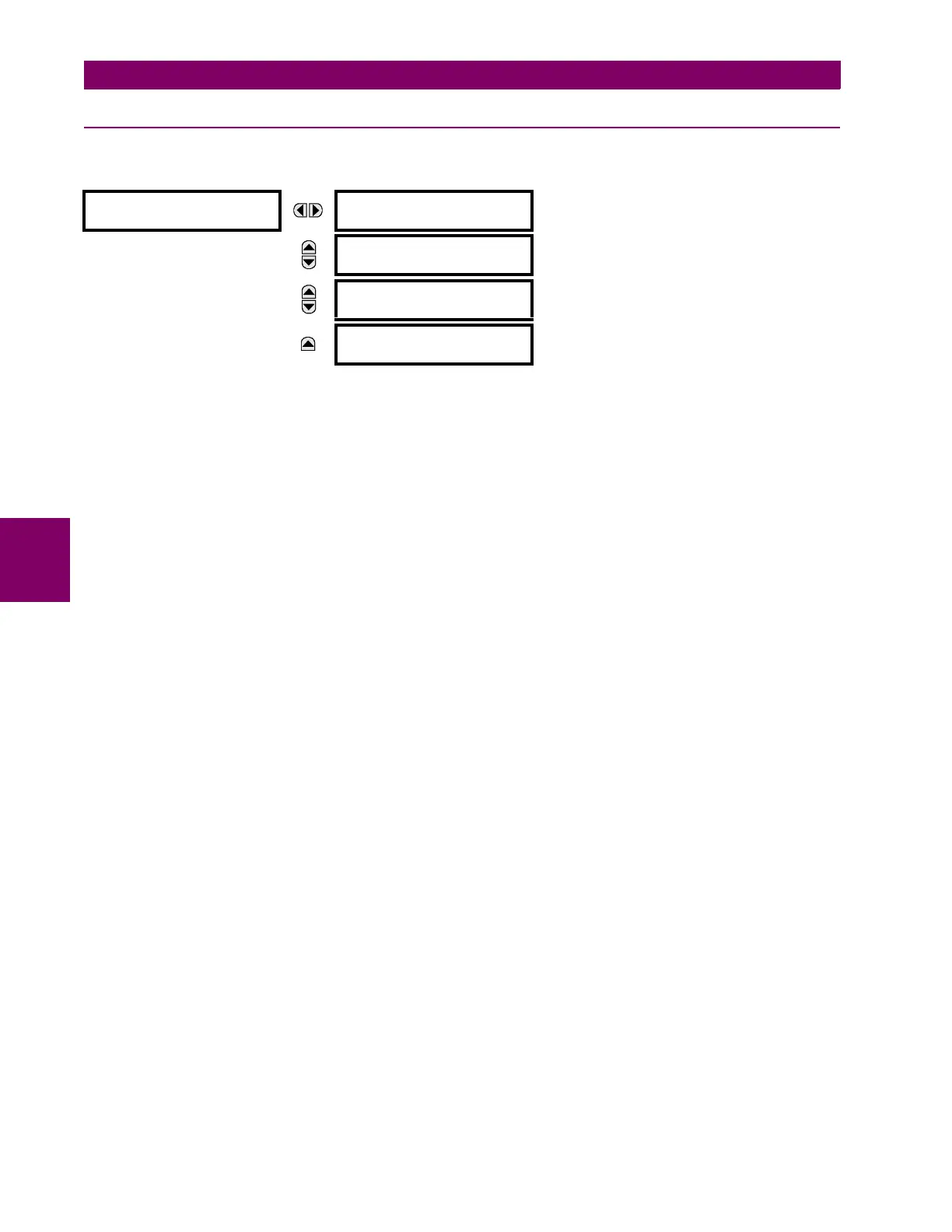
a) MAIN MENU
PATH: SETTINGS Ö PRODUCT SETUP Ö SECURITY
Two levels of password security are provided via the ACCESS LEVEL setting: command and setting. The factory service level
is not available and intended for factory use only.
The following operations are under command password supervision:
• Changing the state of virtual inputs.
• Clearing the event records.
• Clearing the oscillography records.
• Changing the date and time.
• Clearing energy records.
• Clearing the data logger.
• Clearing the user-programmable pushbutton states.
The following operations are under setting password supervision:
• Changing any setting.
• Test mode operation.
The command and setting passwords are defaulted to “0” when the relay is shipped from the factory. When a password is
set to “0”, the password security feature is disabled.
The F35 supports password entry from a local or remote connection.
Local access is defined as any access to settings or commands via the faceplate interface. This includes both keypad entry
and the through the faceplate RS232 port. Remote access is defined as any access to settings or commands via any rear
communications port. This includes both Ethernet and RS485 connections. Any changes to the local or remote passwords
enables this functionality.
When entering a settings or command password via EnerVista or any serial interface, the user must enter the correspond-
ing connection password. If the connection is to the back of the F35, the remote password must be used. If the connection
is to the RS232 port of the faceplate, the local password must be used.
The
PASSWORD ACCESS EVENTS settings allows recording of password access events in the event recorder.
SECURITY
ACCESS LEVEL:
Restricted
Range: Restricted, Command, Setting,
Factory Service (for factory use only)
MESSAGE
CHANGE LOCAL
PASSWORDS
See page 5–9.
MESSAGE
ACCESS
SUPERVISION
See page 5–10.
MESSAGE
PASSWORD ACCESS
EVENTS: Disabled
Range: Disabled, Enabled



 To Next Page