GE Multilin F35 Multiple Feeder Protection System 6-9
6 ACTUAL VALUES 6.2 STATUS
6
• CHANNEL 1 STATUS: This represents the receiver status of each channel. If the value is “OK”, teleprotection is
enabled and data is being received from the remote terminal; If the value is “FAIL”, teleprotection enabled and data is
not being received from the remote terminal. If “n/a”, teleprotection is disabled.
• CHANNEL 1 LOST PACKETS: Data is transmitted to the remote terminals in data packets at a rate of two packets per
cycle. The number of lost packets represents data packets lost in transmission; this count can be reset to 0 through the
COMMANDS ÖØ CLEAR RECORDS menu.
• VALIDITY OF CHANNEL CONFIGURATION: This value displays the current state of the communications channel
identification check, and hence validity. If a remote relay ID does not match the programmed ID at the local relay, the
“FAIL” message will be displayed. The “N/A” value appears if the local relay ID is set to a default value of “0”, the chan-
nel is failed, or if the teleprotection inputs/outputs are not enabled.
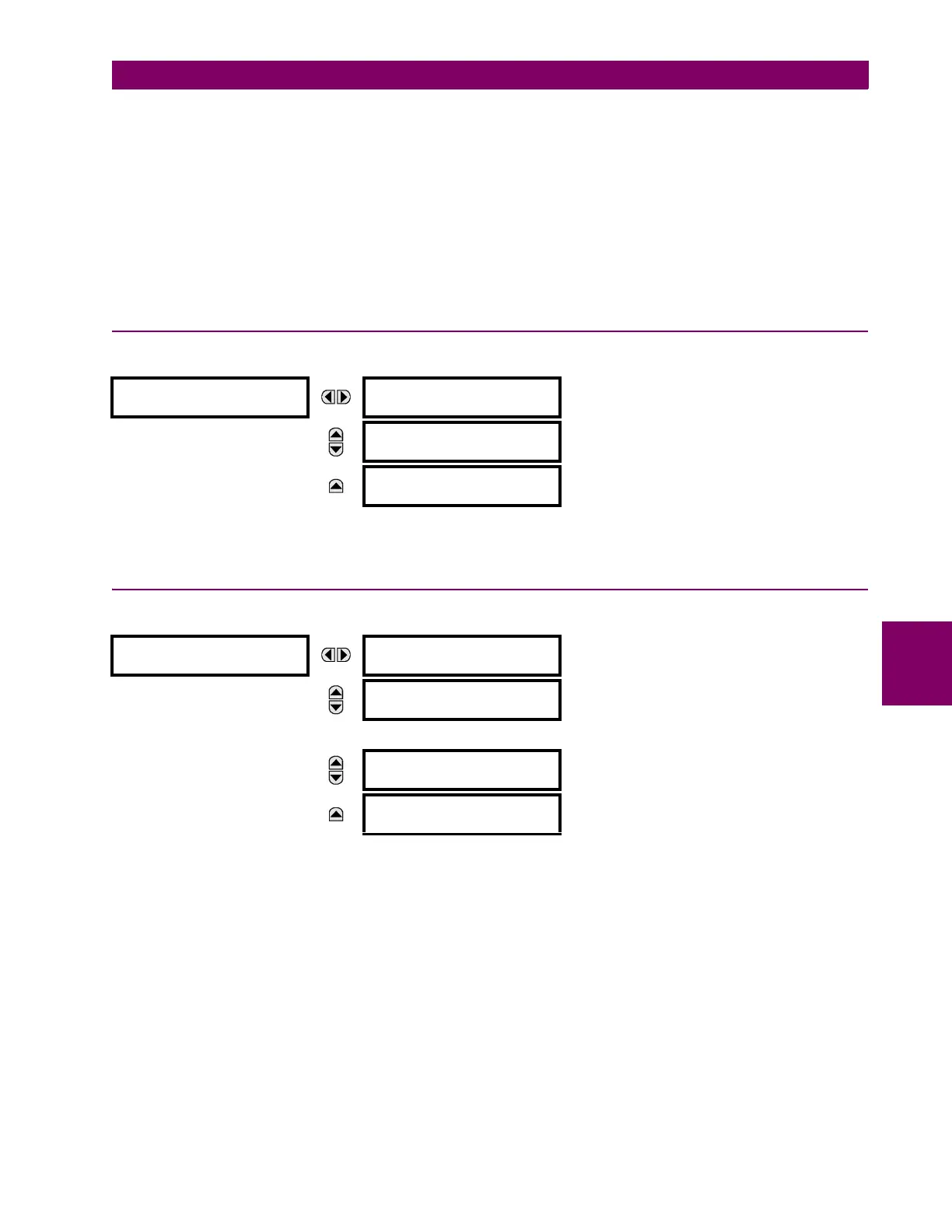
6.2.17 INCIPIENT FAULT DETECTOR
PATH: ACTUAL VALUES Ö STATUS ÖØ INCIPIENT FAULT Ö INCIPIENT FAULT 1(6)
The number of detected incipient faults for each incipient fault element are displayed here for each phase. These values
can be reset to zero with the COMMANDS ÖØ CLEAR RECORDS ÖØ CLEAR INCIPENT FAULT COUNTERS command.
6.2.18 ETHERNET SWITCH
PATH: ACTUAL VALUES Ö STATUS ÖØ ETHERNET SWITCH
These actual values appear only if the F35 is ordered with an Ethernet switch module (type 2S or 2T). The status informa-
tion for the Ethernet switch is shown in this menu.
• SWITCH 1 PORT STATUS to SWITCH 6 PORT STATUS: These values represents the receiver status of each port on
the Ethernet switch. If the value is “OK”, then data is being received from the remote terminal; If the value is “FAIL”,
then data is not being received from the remote terminal or the port is not connected.
• SWITCH MAC ADDRESS: This value displays the MAC address assigned to the Ethernet switch module.
INCIPIENT FAULT 1
INCIPIENT FAULT 1
PH A FAULTS: 0
Range: 0 to 65535 in steps of 1
MESSAGE
INCIPIENT FAULT 1
PH B FAULTS: 0
Range: 0 to 65535 in steps of 1
MESSAGE
INCIPIENT FAULT 1
PH C FAULTS: 0
Range: 0 to 65535 in steps of 1
ETHERNET SWITCH
SWITCH 1 PORT
STATUS: OK
Range: FAIL, OK
MESSAGE
SWITCH 2 PORT
STATUS: OK
Range: FAIL, OK
↓
MESSAGE
SWITCH 6 PORT
STATUS: OK
Range: FAIL, OK
MESSAGE
SWITCH MAC ADDRESS:
00A0F40138FA
Range: standard MAC address format



 To Next Page