GE Multilin F35 Multiple Feeder Protection System 5-29
5 SETTINGS 5.2 PRODUCT SETUP
5
h) WEB SERVER HTTP PROTOCOL
PATH: SETTINGS Ö PRODUCT SETUP ÖØ COMMUNICATIONS ÖØ WEB SERVER HTTP PROTOCOL
The F35 contains an embedded web server and is capable of transferring web pages to a web browser such as Microsoft
Internet Explorer or Mozilla Firefox. This feature is available only if the F35 has the ethernet option installed. The web
pages are organized as a series of menus that can be accessed starting at the F35 “Main Menu”. Web pages are available
showing DNP and IEC 60870-5-104 points lists, Modbus registers, event records, fault reports, etc. The web pages can be
accessed by connecting the UR and a computer to an ethernet network. The main menu will be displayed in the web
browser on the computer simply by entering the IP address of the F35 into the “Address” box on the web browser.
i) TFTP PROTOCOL
PATH: SETTINGS Ö PRODUCT SETUP ÖØ COMMUNICATIONS ÖØ TFTP PROTOCOL
The Trivial File Transfer Protocol (TFTP) can be used to transfer files from the F35 over a network. The F35 operates as a
TFTP server. TFTP client software is available from various sources, including Microsoft Windows NT. The dir.txt file
obtained from the F35 contains a list and description of all available files (event records, oscillography, etc.).
j) IEC 60870-5-104 PROTOCOL
PATH: SETTINGS Ö PRODUCT SETUP ÖØ COMMUNICATIONS ÖØ IEC 60870-5-104 PROTOCOL
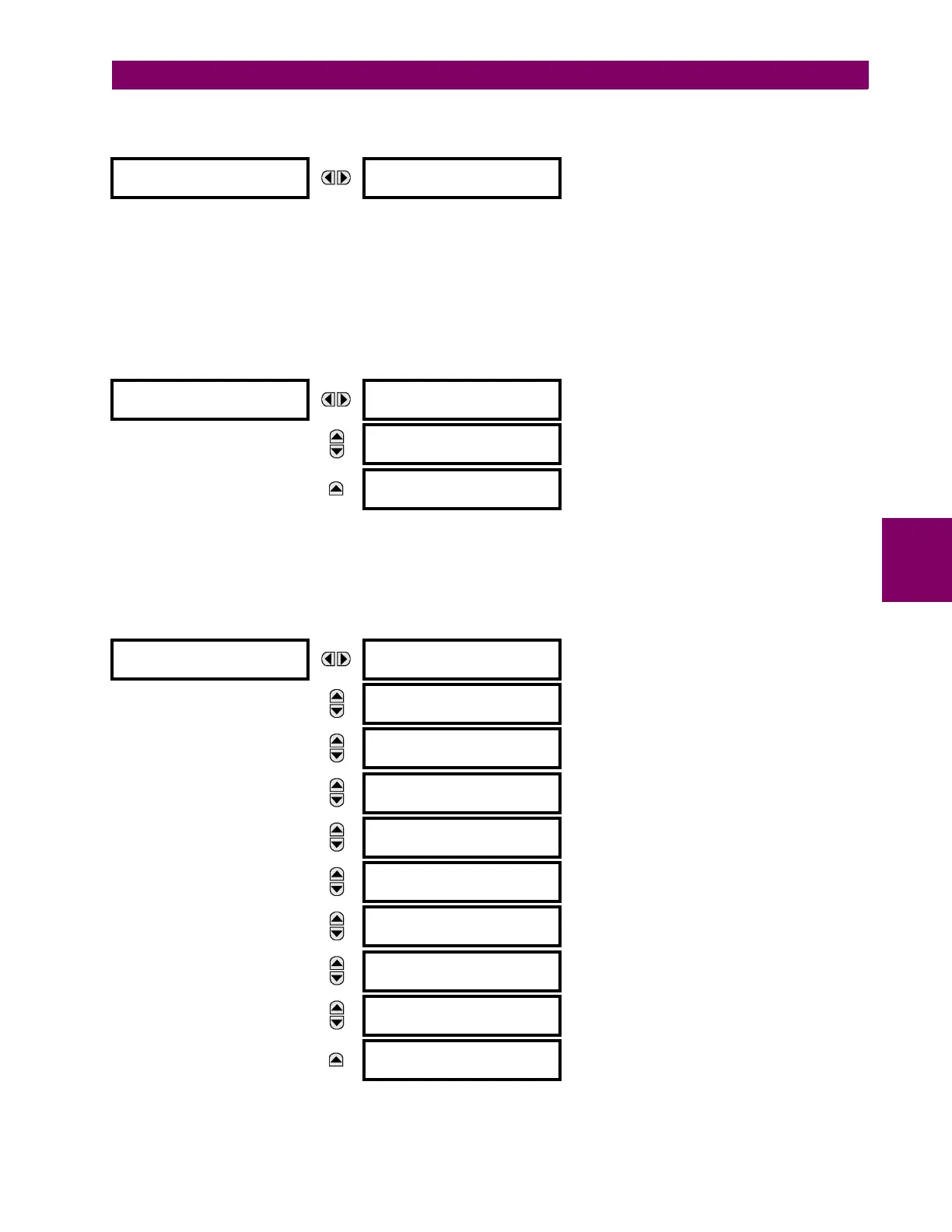
WEB SERVER
HTTP PROTOCOL
HTTP TCP PORT
NUMBER: 80
Range: 1 to 65535 in steps of 1
TFTP PROTOCOL
TFTP MAIN UDP PORT
NUMBER: 69
Range: 1 to 65535 in steps of 1
MESSAGE
TFTP DATA UDP PORT 1
NUMBER: 0
Range: 0 to 65535 in steps of 1
MESSAGE
TFTP DATA UDP PORT 2
NUMBER: 0
Range: 0 to 65535 in steps of 1
IEC 60870-5-104
PROTOCOL
IEC 60870-5-104
FUNCTION: Disabled
Range: Enabled, Disabled
MESSAGE
IEC TCP PORT
NUMBER: 2404
Range: 1 to 65535 in steps of 1
MESSAGE
IEC NETWORK
CLIENT ADDRESSES
MESSAGE
IEC COMMON ADDRESS
OF ASDU: 0
Range: 0 to 65535 in steps of 1
MESSAGE
IEC CYCLIC DATA
PERIOD: 60 s
Range: 1 to 65535 s in steps of 1
MESSAGE
IEC CURRENT DEFAULT
THRESHOLD: 30000
Range: 0 to 65535 in steps of 1
MESSAGE
IEC VOLTAGE DEFAULT
THRESHOLD: 30000
Range: 0 to 65535 in steps of 1
MESSAGE
IEC POWER DEFAULT
THRESHOLD: 30000
Range: 0 to 65535 in steps of 1
MESSAGE
IEC ENERGY DEFAULT
THRESHOLD: 30000
Range: 0 to 65535 in steps of 1
MESSAGE
IEC OTHER DEFAULT
THRESHOLD: 30000
Range: 0 to 65535 in steps of 1



 To Next Page