v
w
i
w,_ La]
v A
w . .
_ v
.-- L
iiiiiH/l! iiii!l il
i
0
E
0
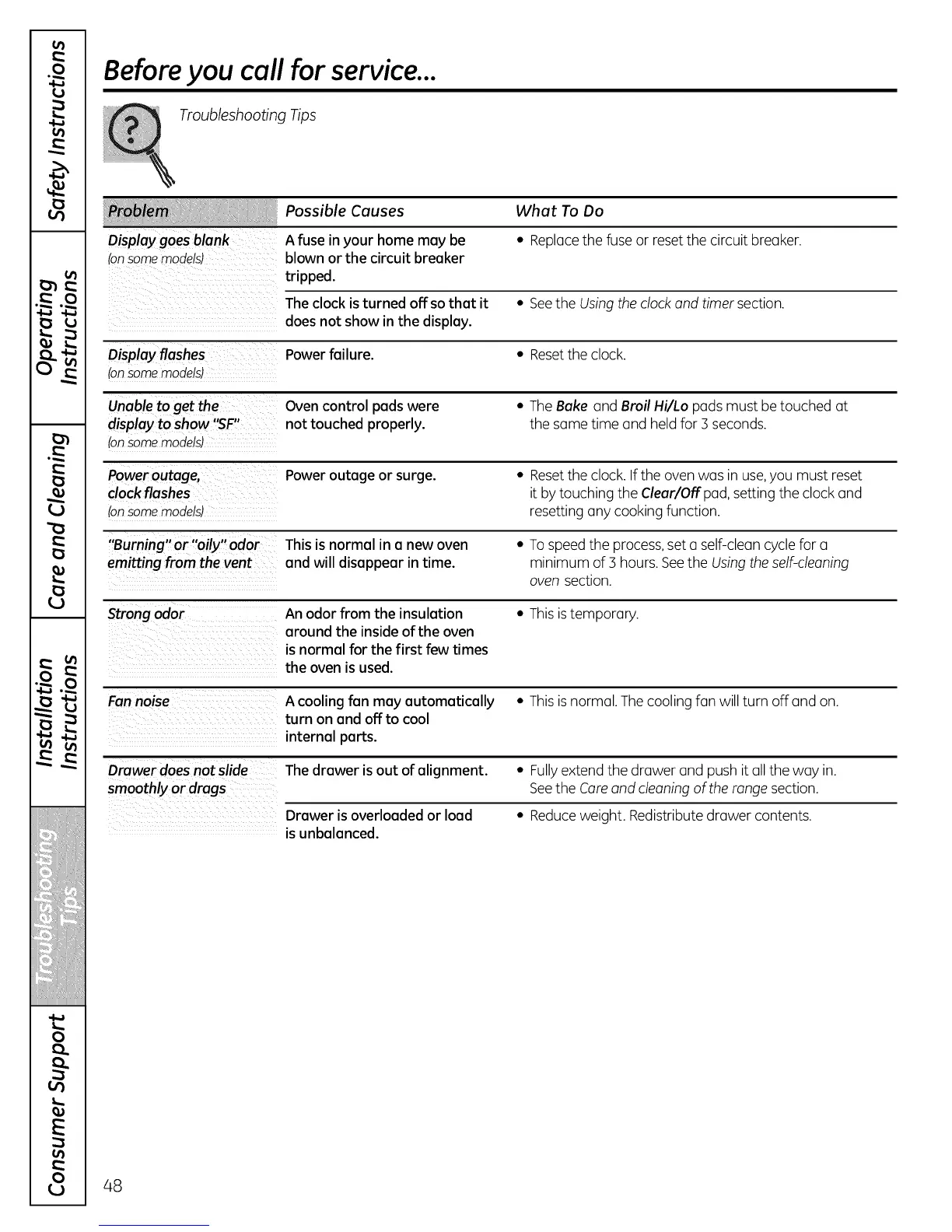
Before you call for service...
Troubleshooting Tips
Possible Causes What To Do
Display goes blank A fuse in your home may be • Replacethe fuse or reset the circuit breaker.
(onsomemodels) blown or the circuit breaker
tripped.
Theclock is turned off so that it • Seethe Usingthe clock and timer section.
does not show in the display.
Display flashes Power failure. • Resetthe clock.
(onsomemodels)
Unable to get the Oven control pads were • The Bake and Broil Hi/Lo pads must be touched at
display to show '_F" not touched properly, the same time and held for 3 seconds.
(onsomemodels)
Power outage, Power outage or surge. • Resetthe clock. Ifthe oven was in use,you must reset
clock flashes it by touching the Clear/Offpad, setting the clock and
(onsomemodels) resetting any cooking function.
"Burning" or "oily" odor This is normal in a new oven • Tospeedthe process,set a self-clean cycle for a
emitting from the vent and will disappear in time. minimum of 3 hours. Seethe Usingthe self-cleaning
oven section.
Strong odor An odor from the insulation • Thisis temporary.
around the inside of the oven
is normal for the first few times
the oven isused.
Fannoise A cooling fan may automatically • Thisis normal. The cooling fan will turn off and on.
turn on and off to cool
internal parts.
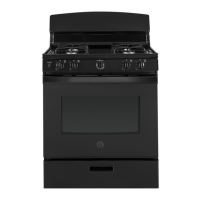
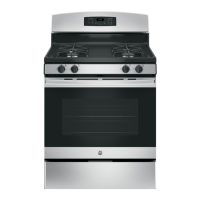
Drawer does notslide Thedrawer is out of alignment. • Fullyextend the drawer and push it all the way in.
smoothly or drags Seethe Careand cleaningof the range section.
Drawer is overloaded or load • Reduceweight. Redistribute drawer contents.
is unbalanced.
48



 To Next Page