26 27
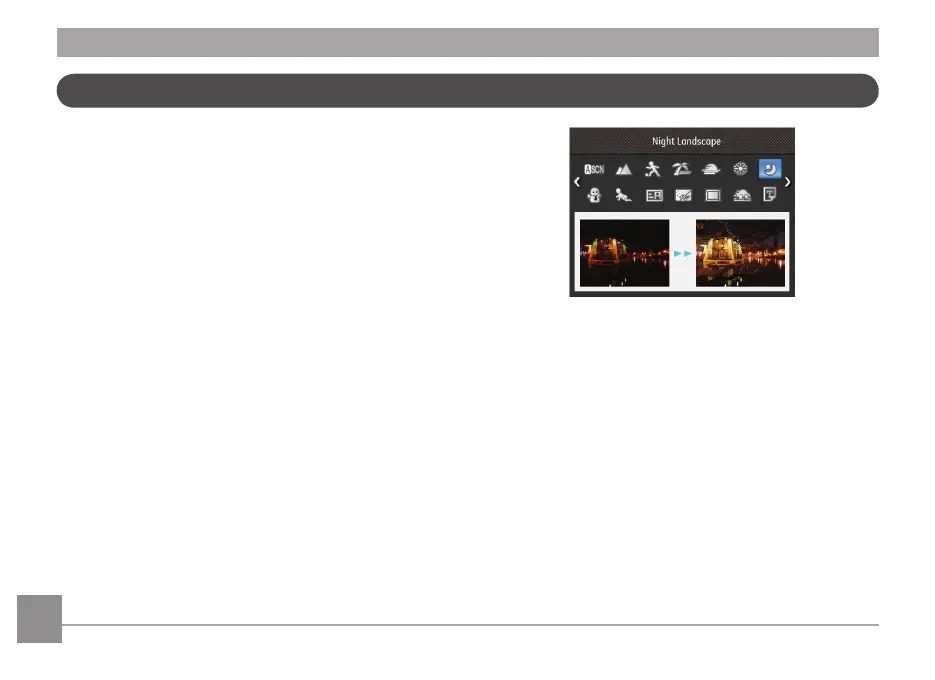
In Manual Scene Mode, you can select from a total of 21
scene types to match your needs. Select the desired scene for
the occasion and the camera will automatically adjust the
optimal settings for you and your subjects.
Press the
button to enter Scene Mode. The LCD will
display a menu like the example below:
Manual Scene Mode (SCN)
Select a scene using the Up/Down/Left/Right button and press
the
button.



 To Next Page
 Loading...









