63
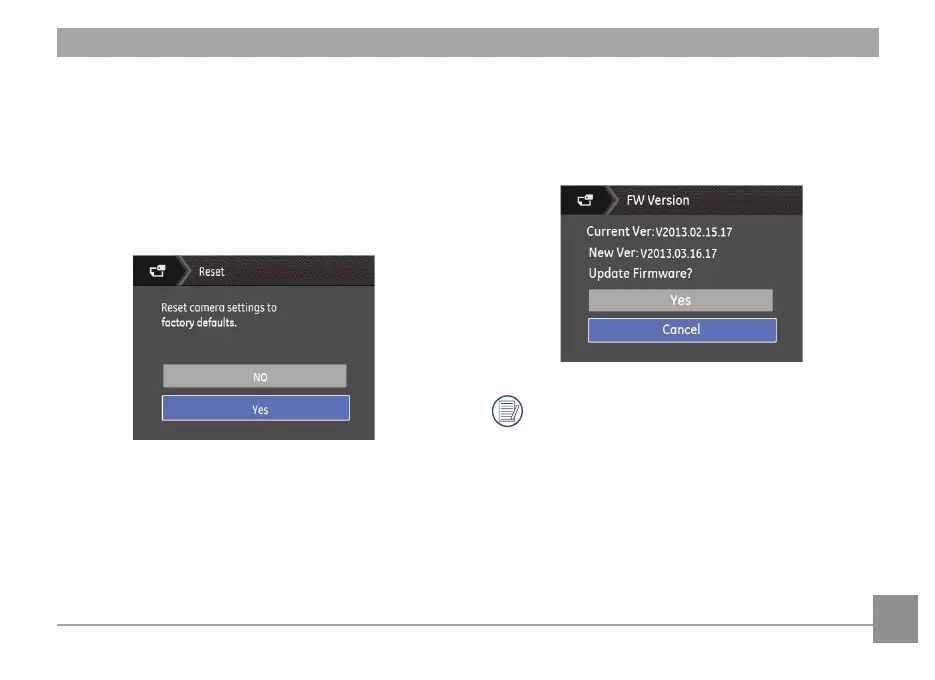
FW Version (Firmware Version)
Use this setting to view the current camera rmware version.
Select FW Version in the File/Software menu, then press
Right.
To update to the latest rmware version, you can go to
the following website:
www.ge.com/digitalcameras and look under Support.
Reset Settings
Use this setting to restore the camera to its original factory
default settings.
1. Select Reset Settings in the File / Software menu, then
press Right.
2. Use the Up/Down navigation buttons to select Yes or No.
Then press the
button to conrm the setting.



 To Next Page
 Loading...









