57
Resize
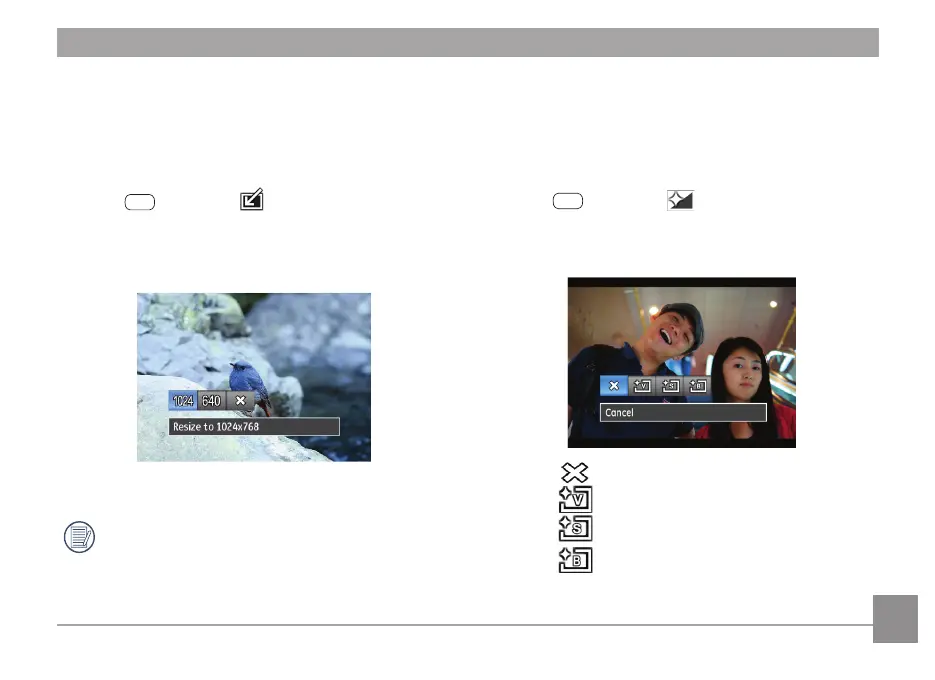
This setting allows you to resize a picture to a specied
resolution, and saves it as a new picture.
1. In the playback mode, press Left/Right button to select the
photo which you would like to resize.
2. In the
menu, select to set, press
to enter
setting screen.
3. Press Left/Right button to select a resolution (1024X768 or
640X480), or cancel and return to the play menu.
4. Press the
button to conrm the setting.
Resizing an image creates a new le that contains the
image in the size you select. The le with the original
image also remains in the memory.
Color Eect
This setting allows you to change the picture color eect. The
le is saved as a new photo and stored in memory together
with the original photo.
1. In the playback mode, press Left/Right button to select the
photo which needs color eect process.
2. In the
menu, select to set, press
to enter
setting screen.
3. Press Left/Right button to select corresponding menu, or
cancel and return playback menu.
4. Press the
button to conrm the setting.
:
Cancel
:
Vivid
:
Retro
:
Black and White



 To Next Page
 Loading...









