42 43
Use this setting to perform continuous shooting. After entering
this mode, you can shoot multiple images by continuously
holding the shutter button down.
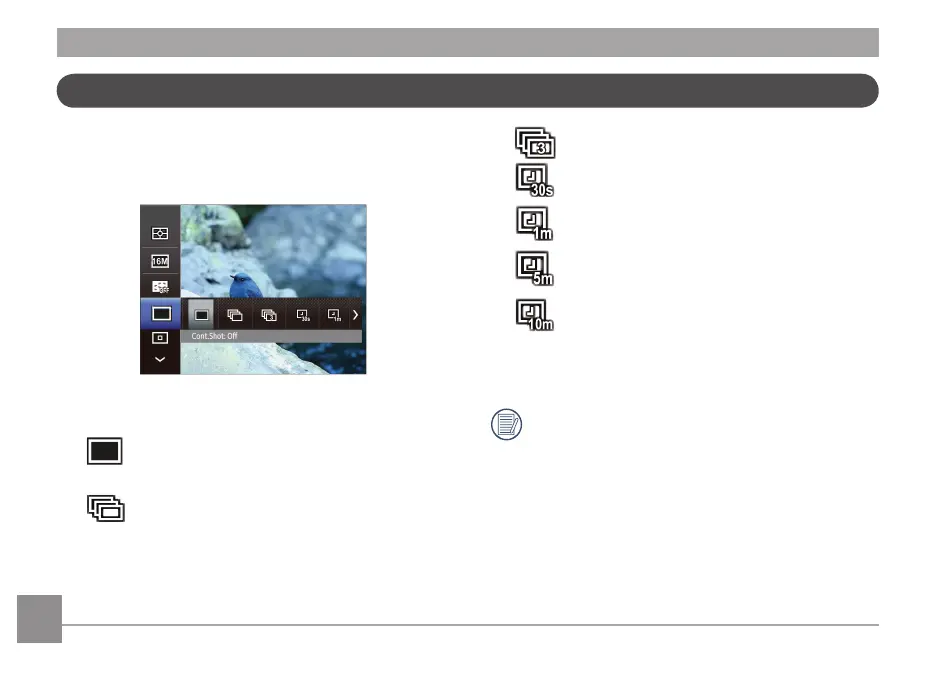
1. Continuous shooting has seven options:
• Cont.Shot: O
Capture a single shot only.
• Cont.Shot: On
Photos will be taken for as long as you press
the shutter button.
• Cont.Shot: 3 Shots
• Time-Lapse 30sec
• Time-Lapse 1min
• Time-Lapse 5min
• Time-Lapse 10min
2. Press the
button to conrm the settings and exit the
menu.
The ash is disabled in this mode in order to enable
quick succession of shots.
Continuous Capture Setting



 To Next Page