48 49
Movie Mode Menu
Mode :
Press
dial to select mode.
1. Press
button to enter menu.
2. Press Up / Down button to select the menu options to
be set.
3. Press Left / Right button to select functions.
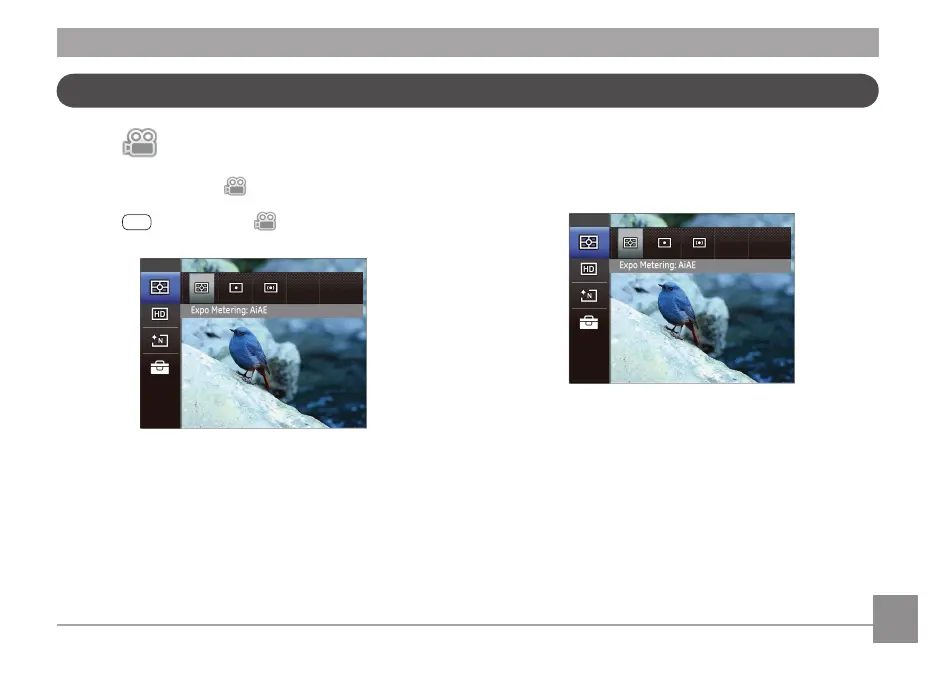
Expo Metering (Exposure Metering)
Use this setting to select the "target" size of the camera's eld
of view to be metered.
Three metering "target" sizes are available to choose from:
• AiAE (Articial Intelligence AE) targets the camera's
entire eld of view.
• Spot metering targets a small area in the center of the
camera's eld of view.
• Multi metering targets a slightly larger area in the
center of the cameras eld of view.



 To Next Page