44
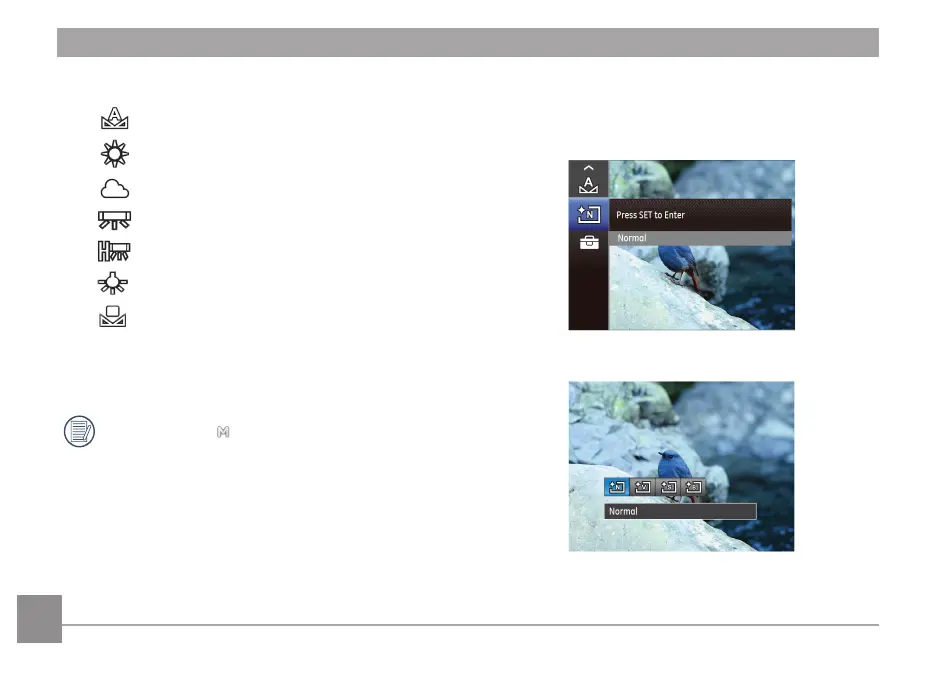
1. Press Left/Right button to select the following 7 modes:
• AWB
• Daylight
• Cloudy
• Fluorescent
• Fluorescent CWF
• Incandescent
• Manual WB (Press the Shutter button to detect
WB)
2. Press the
button to conrm the settings and exit the
menu.
Adjustable only in Manual Mode.
Image Color Setting
Image color setting allows you to select dierent color eects.
1. Press
button to enter function menu.
2. Press Left/Right button to select image color setting.



 To Next Page