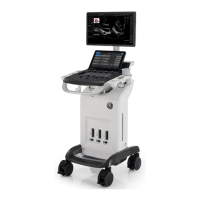
Probes
Versana Essential – User Guide 1-43
5759238-100 English Rev. 2
Cable Handling
Take the following precautions with probe cables:
• Keep free from wheels.
• Do not bend the cable acutely.
• Avoid crossing cables between probes.
Activating/Deactivating the Probe
To activate the probe, select the appropriate probe from the
probe indicators in Probe/Preset screen.
To deactivate the probe, select another probe or press Freeze
key to enter into freeze mode.
The probe's default settings for the mode and selected exam are
used automatically.
Disconnecting the Probe
Probes can be disconnected at any time. However, the probe
should not be active when disconnecting the probe.
1. Deactivate the probe.
2. Slide the connector lock to the left position to unlock the
probe.
3. Pull the probe connector straight out of the probe port
carefully.
4. Ensure the cable is free.
5. Be sure that the probe head is clean before placing the
probe in its storage box.
Make sure that the probe and application names displayed on
the screen correspond to the actual probe and application
selection.


 To Next Page