page | 38
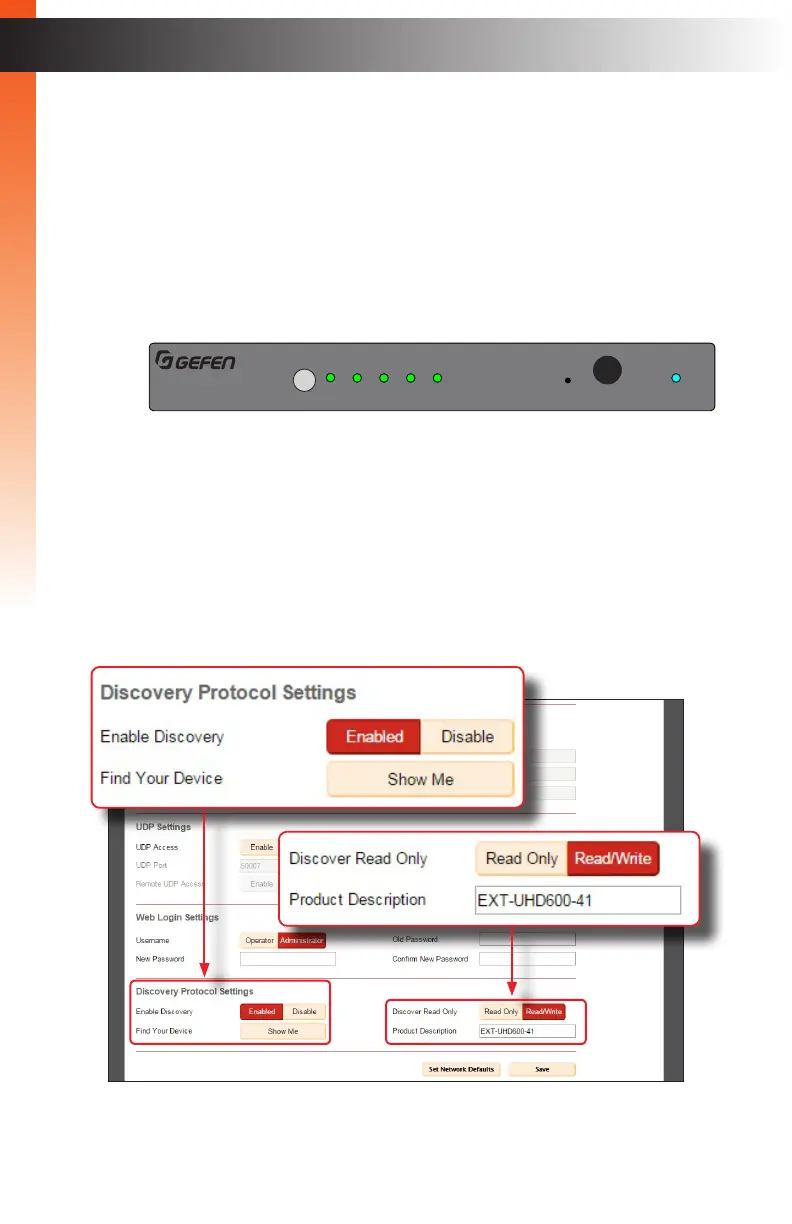
► Discovery Protocol Settings
• Enable Discovery: Click the Enable button to enable “discovery” mode.
Otherwise, click the Disabled button. In order for Gefen Syner-G to
discover the switcher on a network, this feature must be enabled.
• Find Your Device: Click the Show Me button to physically locate the switcher
on a network. In order for the Show Me button to be available, the Enable
Discovery button must be set to Enable. When the Show Me button is clicked,
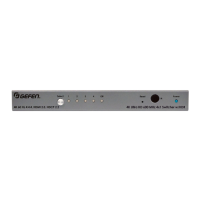
the button text will change to Hide Me and all the LED indicators on the front
panel will flash.
• Discovery Read Only: When set to Read Only, the IP settings for the
switcher will be displayed by Syner-G but they cannot be changed. In order
to display and change IP settings from within Gefen Syner-G, click the
Read / Write button.
• Product Description: EXT-UHD600-41 is the default product description.
This name will be used to identify the switcher when using the Gefen Syner-G
software.
Basic Operation
The Web Interface
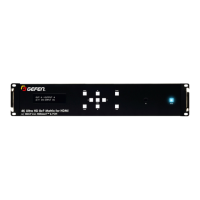
4K Ultra HD 600 MHz 4x1 Switcher w/HDR
Off
1 2 3 4
Select
®
4K 60 Hz 4:4:4, HDMI 2.0, HDCP 2.2
IR
Reset Power
5V DC
EXT-UHD600-41
In 2 In 3 In 4In 1Output (LRP)IR In/Ext
RS-232 IP Control
Basic Operation


 To Next Page