Chapter 3 - Setup 59
© 2018 Geist
GM1196 R-Series v5 Instruction Manual
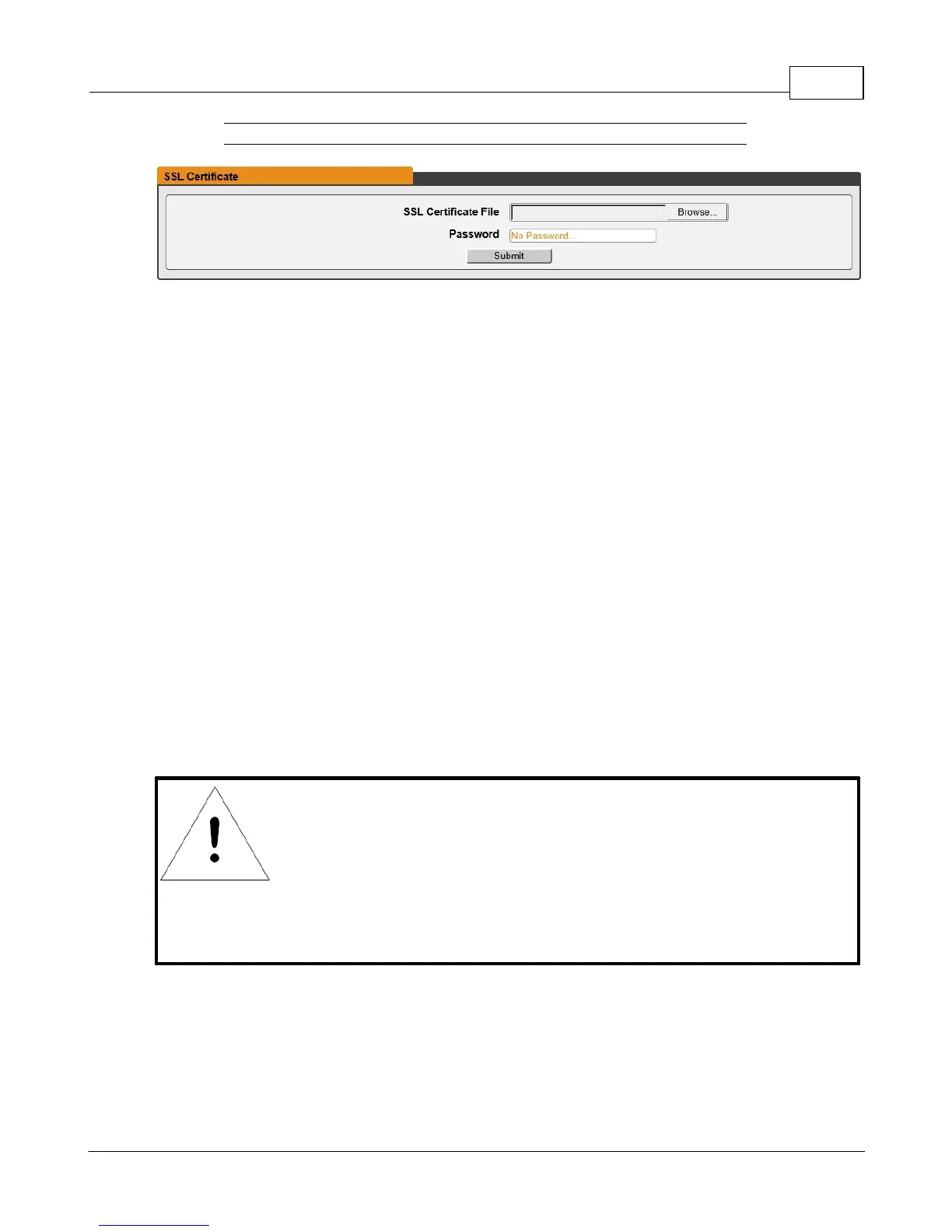
Figure 3-30 SSL Certificate Configuration Page
· SSL Certificate: Allows you to upload your own signed SSL Certificate file to replace
the default one. The certificate can be either self-signed or signed from a Certification
Authority. Certificate must meet the following parameters:
Certificate must be in either PEM or PFX (PKCS12) format
· PEM Format
1. The public certificate and private key must reside in the same file
2. The certificate must follow standard x.509
3. The private key must be generated with the RSA algorithm and in PEM format
4. The PEM RSA private key may be password secured.
· PFX Format
Support is also available for the PKCS12 standard (.pfx) which is a binary
encrypted combination of a PEM public certificate and its PEM private key.
When generating a PFX certificate you will be prompted for an optional
password.
NOTE
If the certificate is password protected, you will need to enter
that password into the GUI to upload the certificate successfully.



 To Next Page