Chapter 3 - Setup 63
© 2018 Geist
GM1196 R-Series v5 Instruction Manual
Display
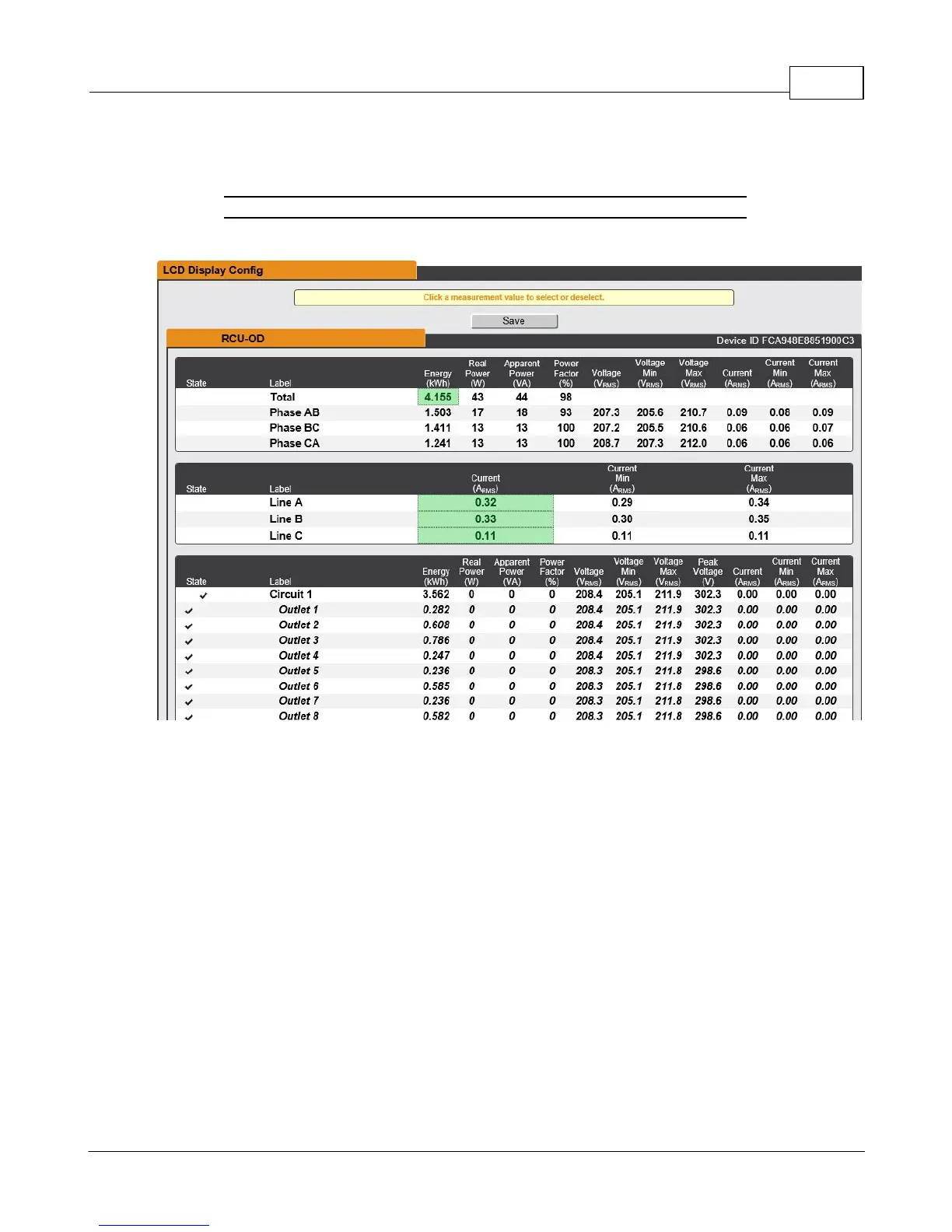
The unit's display configuration can be changed via the Display tab of the System menu.
Figure 3-34 Display Page
The Display page allows the user to configure what measurements are scrolling on the
local or remote LCD display.
To Add measurements:
1. Click the value that is desired. A highlighted value will indicate that the value will be
shown on the local LCD display.
2. Click the Save button.
To Remove measurements:
3. Click the highlighted value that is desired to deselect it from the display.
4. Click the Save button.



 To Next Page