Chapter 3 - Setup 37
© 2018 Geist
GM1196 R-Series v5 Instruction Manual
NOTE
Groupings for Total, Line and Phase Monitor will vary depending
on the PDU's configuration and wiring.
Configuration and Operation
Configuration Icon Operation Icon
NOTE
Only users with control or admin level authorizations have
access to these settings.
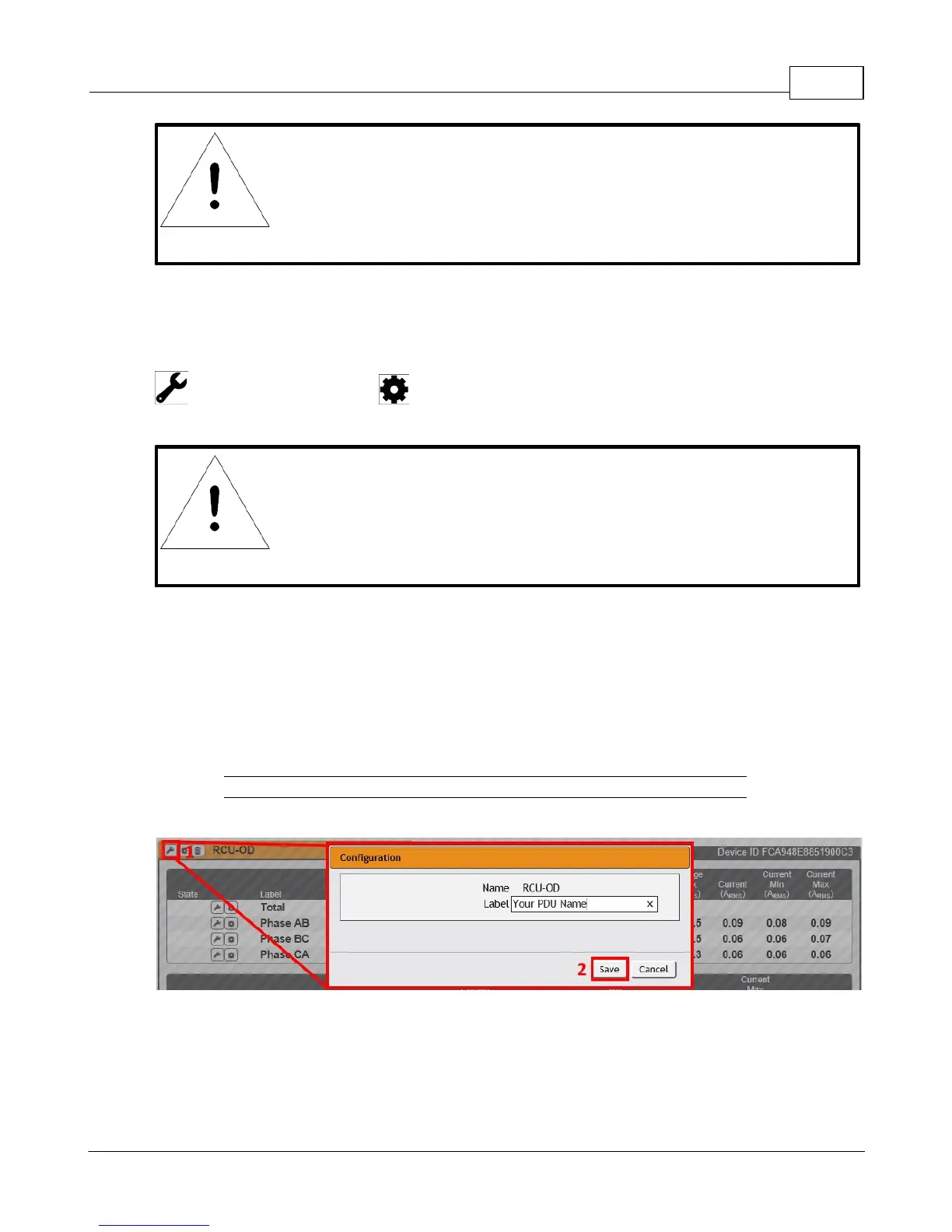
Device, Phase and Circuit Configuration:
1. Click the desired Configuration icon to change the device's Label. Name is the PDU's
factory name or model, and cannot be changed.
2. Once done, click Save.
Figure 3-3 Device, Phase and Circuit Configuration Page



 To Next Page