R-Series v5 Instruction Manual64
© 2018 Geist
GM1196 R-Series v5 Instruction Manual
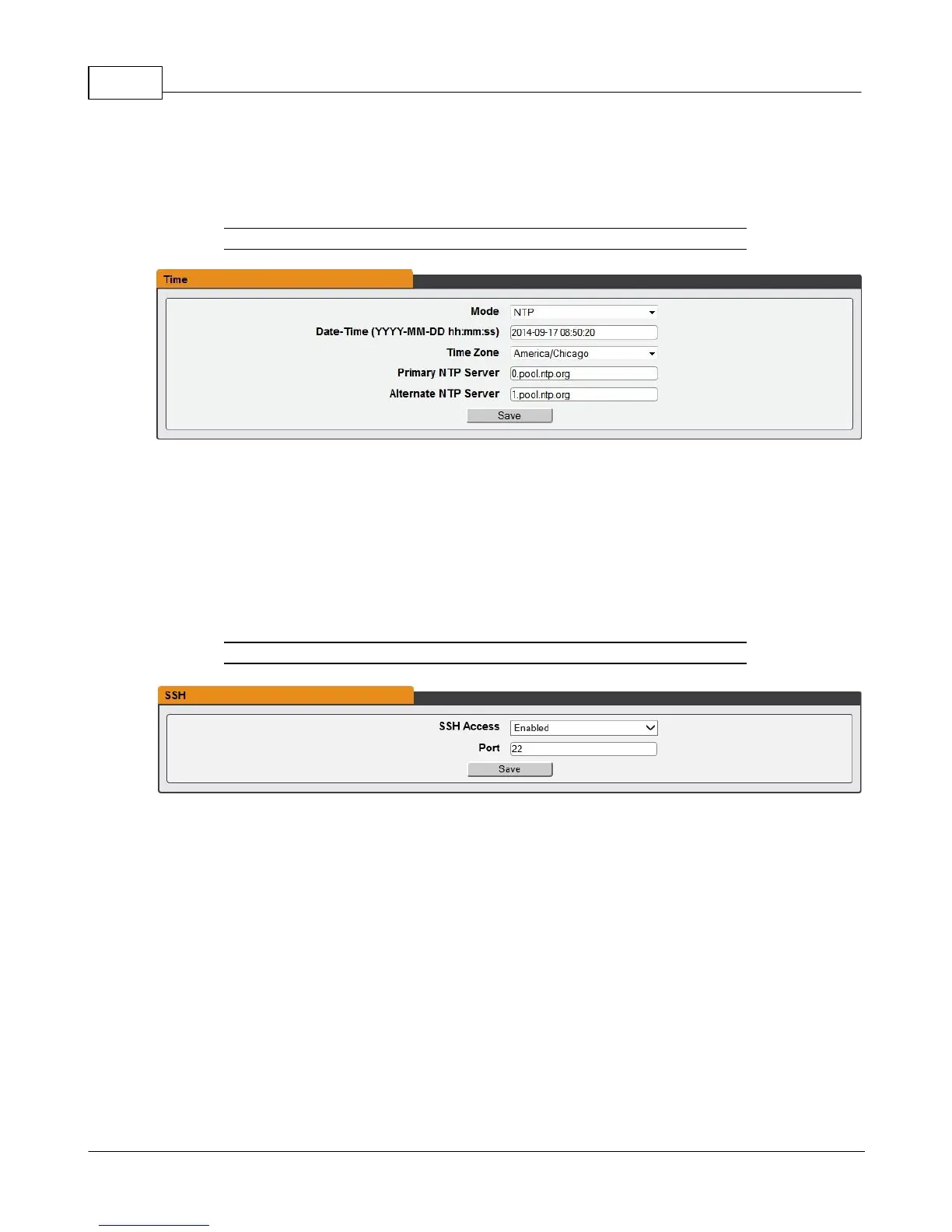
Time
The unit's time and date are set on this page.
Figure 3-35 Time Configuration Page
There are two mode available: Network Time Protocol (NTP) and Manual.
1. NTP synchronizes the unit's time and date to the specified time zone using listed NTP
Servers. NTP servers can be reconfigured.
2. In Manual mode, the date and time must be typed as indicated on the left of the field.
SSH
The SSH menu allows you to configure settings for SSH access to the device.
Figure 3-36 SSH Configuration Page
· SSH Access: Enables/disables access via SSH.
· SSH Port: Allows you to change the port which the SSH service listen to for incoming
connections. The default is port 22.
Email
The unit is capable of sending email notifications to up to ten email addresses when an
Alarm or Warning Event occurs.



 To Next Page