R-Series v5 Instruction Manual58
© 2018 Geist
GM1196 R-Series v5 Instruction Manual
3. Click the Save button.
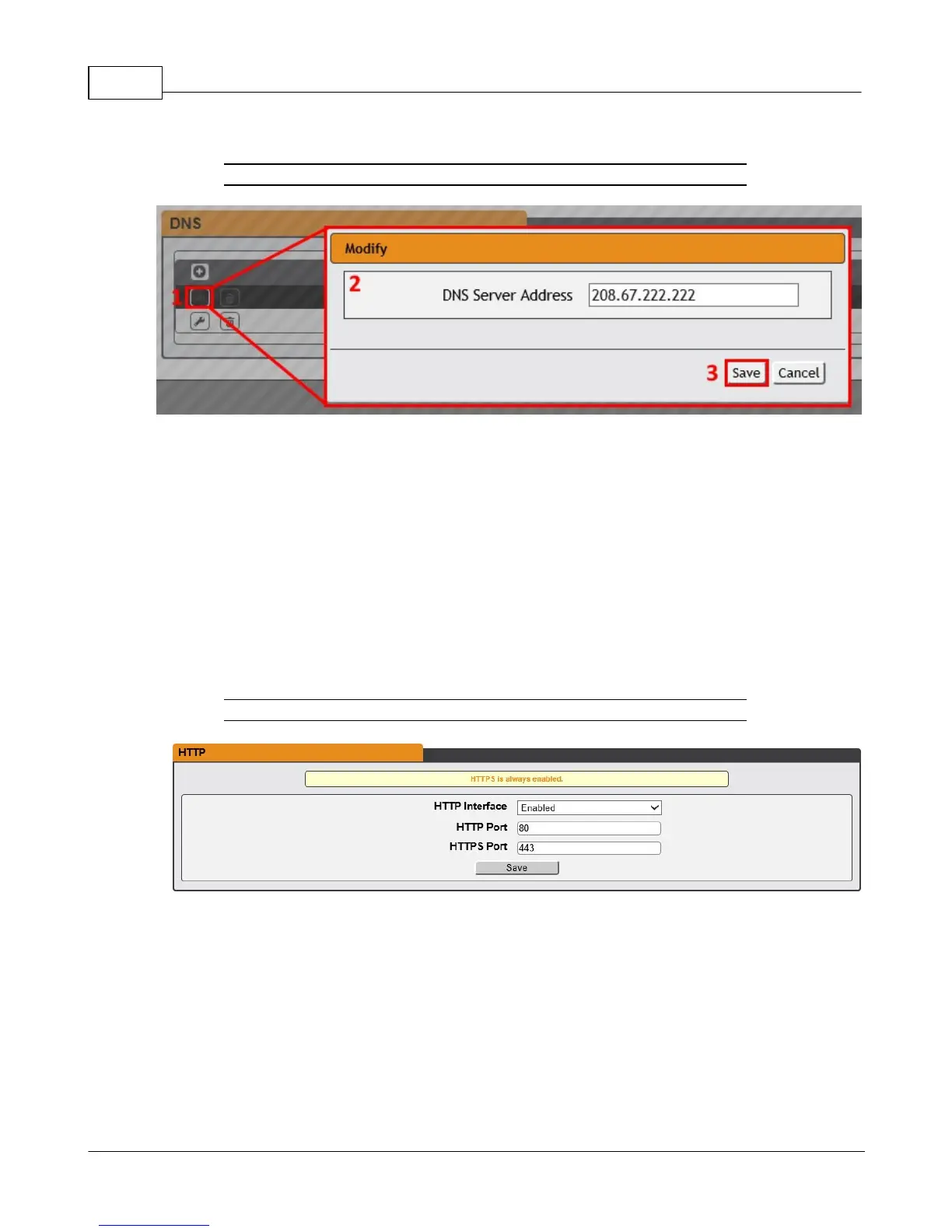
Figure 3-28 Modify an Existing DNS Server IP Address
To modify an existing DNS Server Address:
1. Click the Modify icon
2. Edit the DNS Server Address field as required
3. Click the Save button
Web Server
The unit’s Web Server configuration page can be used to update Web Server information
and upload self-signed SSL certificates.
Figure 3-29 Web Server Configuration Page
· HTTP Interface: Enables/disables access via HTTP. HTTPS interface will always be
enabled. Available options are: Enabled or Disabled. It is not possible to disable the
web interface completely.
· HTTP/HTTPS Server Port: Allows you to change the TCP ports which the HTTP and
HTTPS services listen to for incoming connections. The defaults are port 80 for HTTP
and 443 for HTTPS.



 To Next Page