17 / 40
3030
mFlow
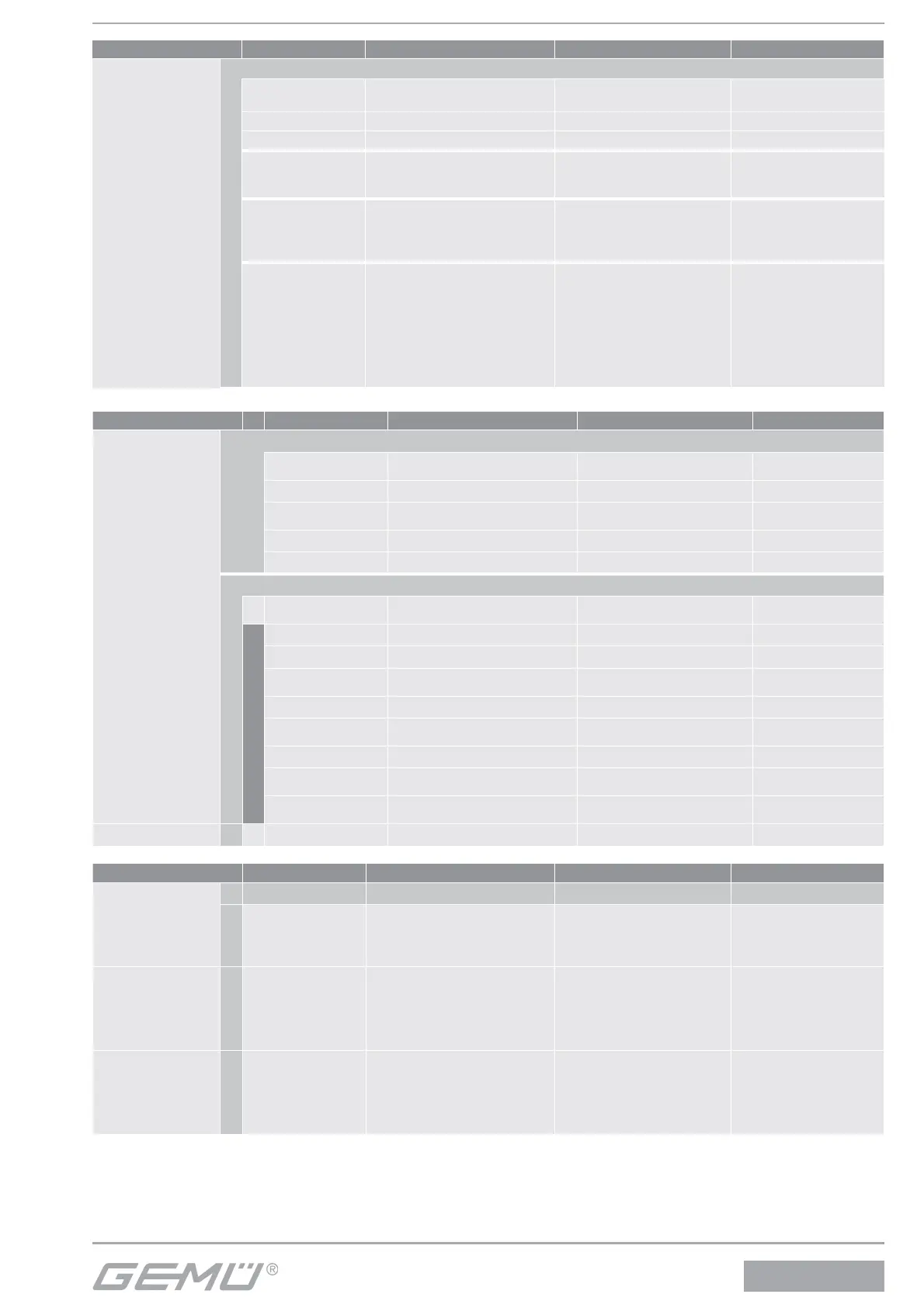
Configuration level Display Function Value range Factory setting
4 SetCalibration
Pipe
Submenu for inputting the fittings
Type Select the fitting type
GEMÜ, Tuchenhagen,
Neumo
GEMÜ
UnitPipe Set the unit of measure for Di mm/inch mm
Tue
Input the inside diameter of
the piping
25 to 300 mm 25 mm
Size Select the nominal size DN 25 / DN 50 DN 25
Material Select the raw material Metal/plastic Metal
Calibration
Submenu for entering the calibration parameters
CallPointQty
Select the calibration points
for each measuring range
11
GoCalibration
Calibration Reset Reset all calibration values
SetCalDefault
Reset to factory settings
ValueRange4
Input the calibration point for
measuring range 4
CalRange4 Calibrate measuring range 4
ValueRange3
Input the calibration point for
measuring range 3
CalRange3 Calibrate measuring range 3
CalZero
Calibrate the zero point
(0 flow)
Calculate
Calculate the non-calibrated
measuring ranges
CorrFactor
Change of fl ow rate value 0.1... 999.9 100.0 %
Configuration level Display Function Value range Factory setting
5 Communication
IR-Port
IR-Port Status
Fieldbus
DP addr Input the Profibus DP address
Webserver
Configuration level Display Function Value range Factory setting
3 SetFunction
Digital Output
Submenu for setting the digital outputs
Pulse output
Function allocation of the
pulse output
Pulse/l
l/Pulse
Pulse/l
Output Pulse/l Input of the pulses/litres 1 to 9999 1
Output l/Pulse Input of the litres/pulses 1...9999 1
ErrorTime
Delay time between error
recognition and error mes-
sage
0.5 to 100 s 0.2 s
Iout onWar Status of the current output
< 4 mA
> 20 mA
Hold
Value
> 20 mA
CpyParaSet
Copies parameters to various
working memories (P1/P2/
P3/P4)
OFF
P1<= W
P1>= P2
P1>= P3
P1>= P4
P1>= P2
P1>= P3
P1>= P4
OFF


 To Next Page