V 03/13
20 • Start-up and operation OptiSpray DPP01
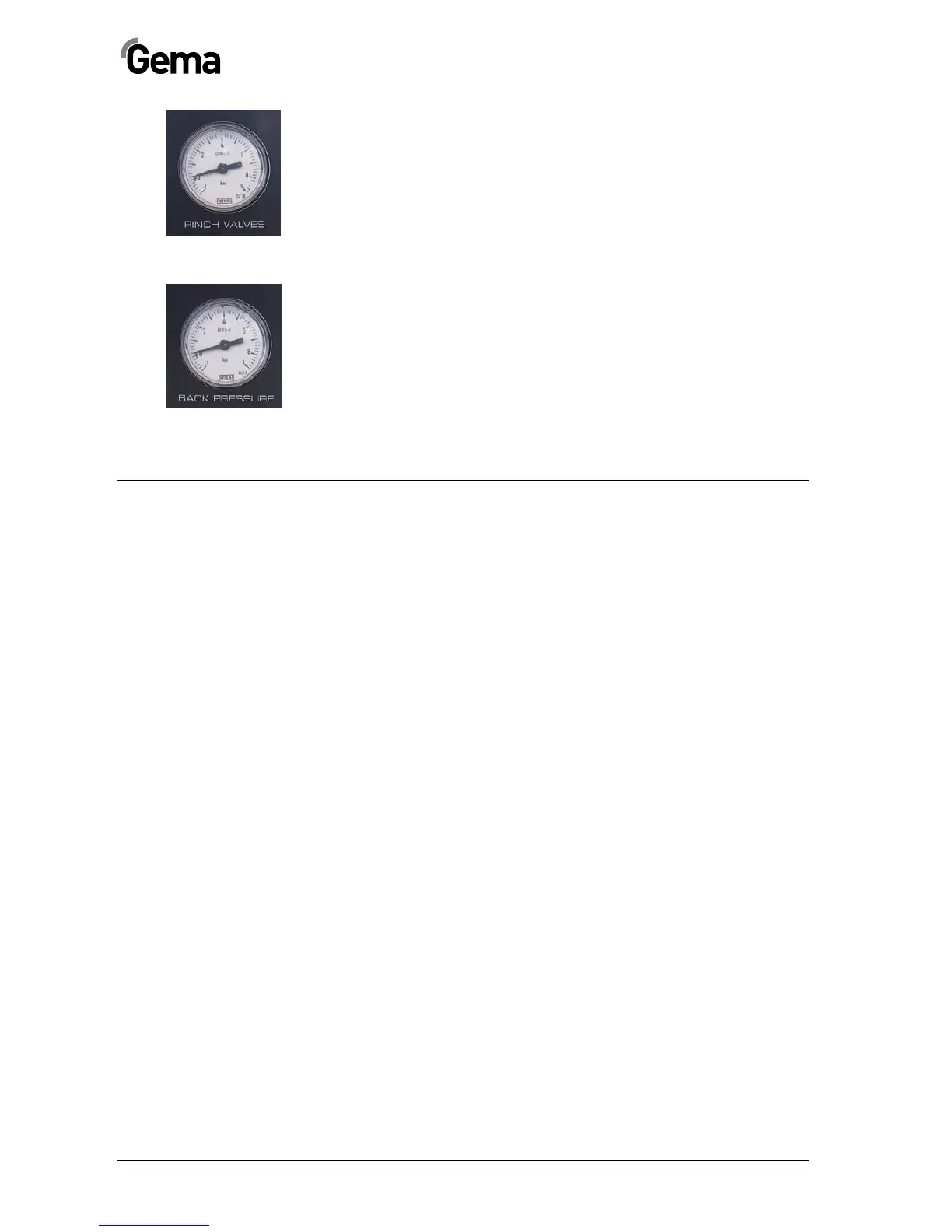
Display of the pinch valve pressure (PINCH
VALVES)
The pinch valve pressure is indicated on the PINCH VALVES gauge. The
presetting by factory is 2.4 bar static (Hot Coating: 3.0 bar) and depends
on the backpressure in the powder hose.
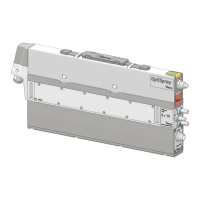
Display of the backpressure (BACK PRESSURE)
The backpressure created during powder transport will be displayed. This
consists of following influences:
-
Adjusted transport air volume
-
Filter elements resistance
-
Powder quantity to be transported
-
Internal diameter and length of the conveying hose
By correct operation, this value ranges between 0.3 and max. 1.0 bar.
The backpressure may not exceed 1.2 bar (Hot Coating: 1.8 bar).
OptiSpray DPP01 - shutdown
The OptiSpray DPP01 Dense phase pump is switched off by pressing the
Mains Switch on the rear side and the Power status LED on the front
side expires.
The compressed air supply to the dense phase pump must also be inter-
rupted!


 To Next Page