V 03/13
OptiSpray DPP01 Special functions • 21
Special functions
Keyboard lock
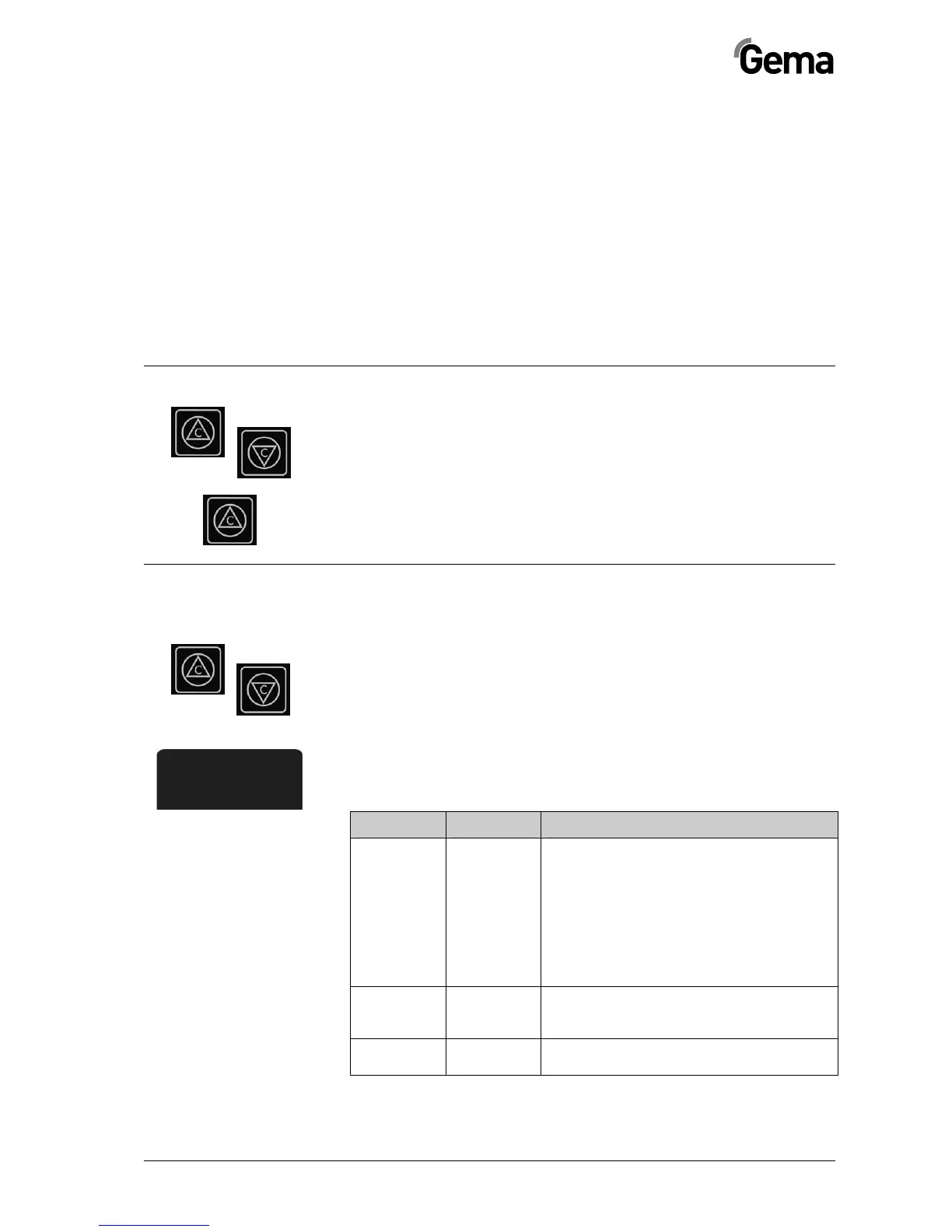
If the keyboard lock is activated, no local operation with the keys T1 and
T2 is possible. The Status display illuminates briefly by every switch-on.
Activation/deactivation of the keyboard lock
By switching on the equipment, keep the key T1 pressed, until the Status
display blinks briefly. The keyboard lock will be activated/deactivated.
Test program for error diagnosis
The OptiSpray DPP01 Dense phase pump has an internal test program,
which simplifies the error diagnosis.
The test mode will be activated by pressing both keys, when switching on
the device. The activated test mode is indicated by the illuminated STA-
TUS and ERROR displays.
The test steps are activated in sequence by pressing the key T1 (for ap-
prox. 1 sec.).
After test step 3, the dense phase pump returns to normal operation by
pressing the key T1 again.
Test step Purpose Notes
1 Leak-
tightness
test
Preparation:
Close tightly the dense phase pump input and
output, remove the injector and bypass both
connections with a hose
Test:
Apply compressed air with a pressure of max.
4 bar and stop again. Observe the pressure
gauge (the air should not escape too fast out of
the closed system)
2 Valve test All valves are switched one after the other eve-
ry second. Thereby, the corresponding display
illuminates
3 Conveying In this test step, the valves switch according to
an internal defined sequence


 To Next Page