第 14 页 共 16 页
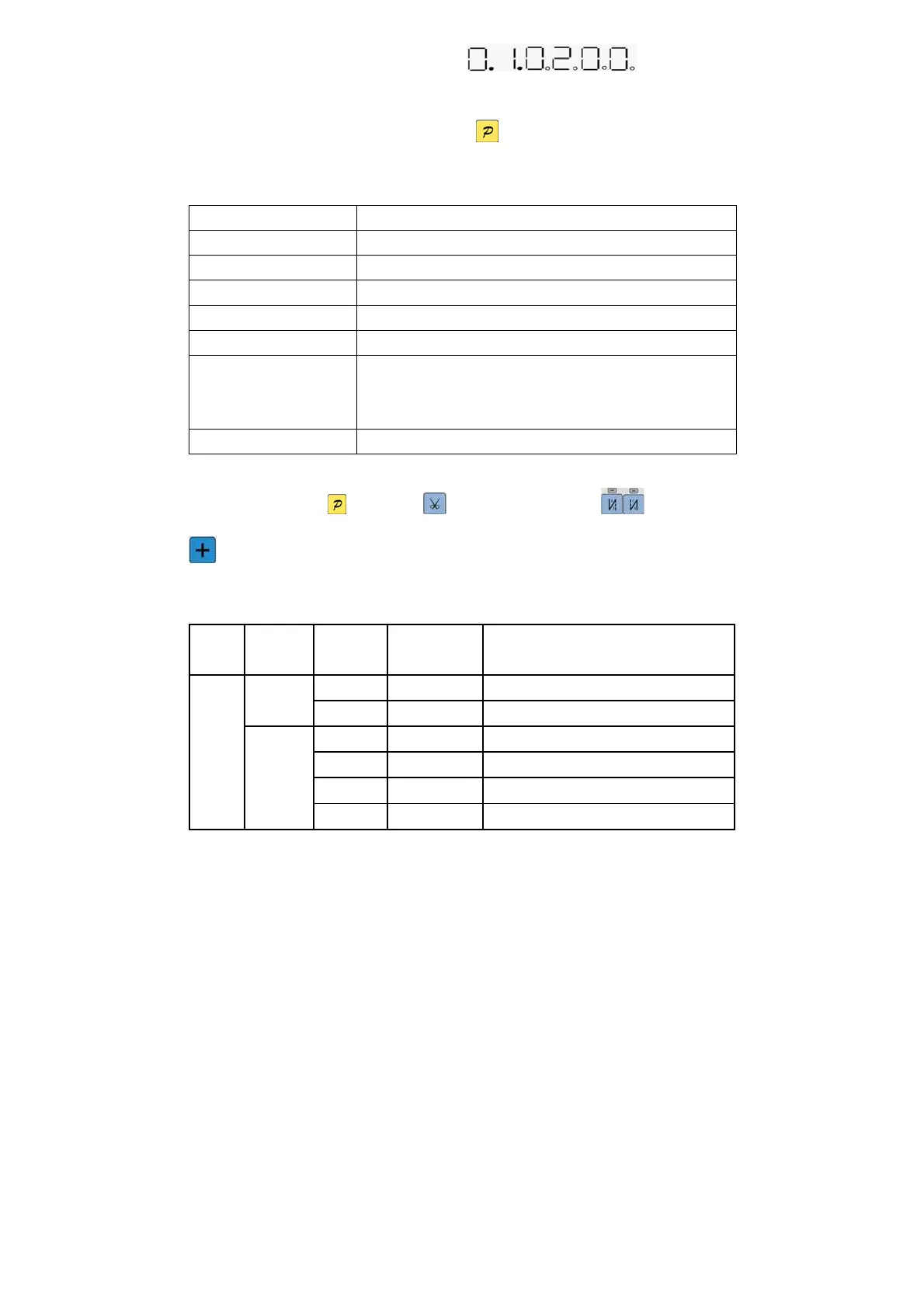
itself parameter modification interface, and show as . It can be used to
modify the parameter index and the setting value, through the number corresponding to the up and down
keys. In determining the parameters according to press key to determining modification. HMI back to
idle if no press the key after regulate time.
Table 2: HMI parameter
Parameter index number NOTE
01 retain
02 retain
03 retain
04 retain
05 retain
06 In any condition, if the custom is not to press the button in a specified period of
time , it will automatically exit to the HMI idle state, parameter index 06 regulation
of waiting time. Adjustment range 2 ~ 10.
07 retain
2.5 Monitor mode
During HMI idle, Press key, then press key, entry monitor mode. Use (4、5)keys and
keys to switch to watch the parameters. About the monitor parameter, please refer the sheet 5, HMI
will back to idle if no operation after regulates time.
Table 5: monitor mode parameter
Parameter
High byte
Parameter
Low byte
unit comment
0
Counter stitches
1
1
Counter trimming
0
V DC Bus Voltage
1
RPM Motor speed
2
0.01A One phase current
Monitor
status
2
3
degree Initial angle



 To Next Page